

Frontu + Develon Integration

Finish the job, approve the task, and let the data report itself.

Features

See how this integration can help your business

Automated maintenance reporting

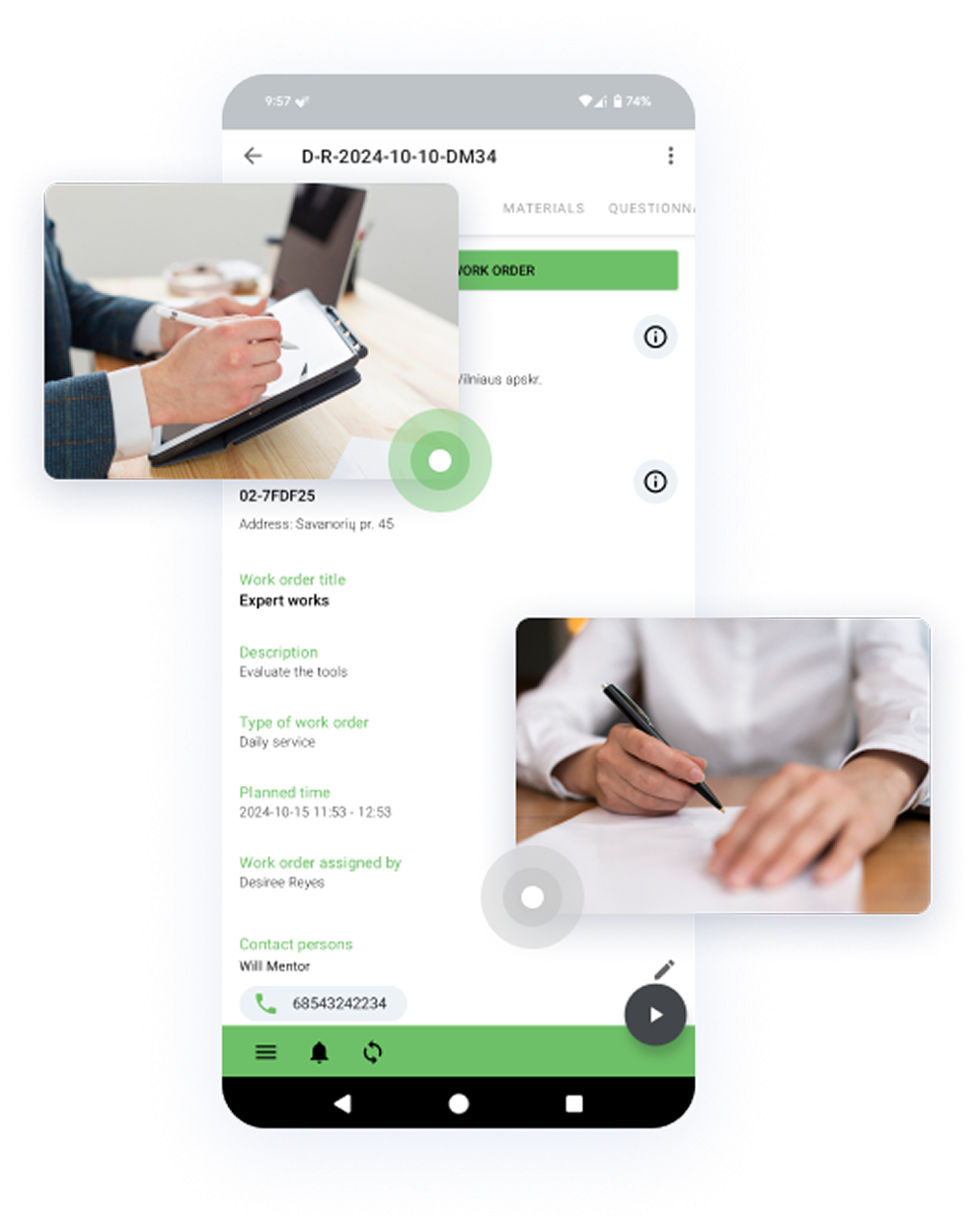
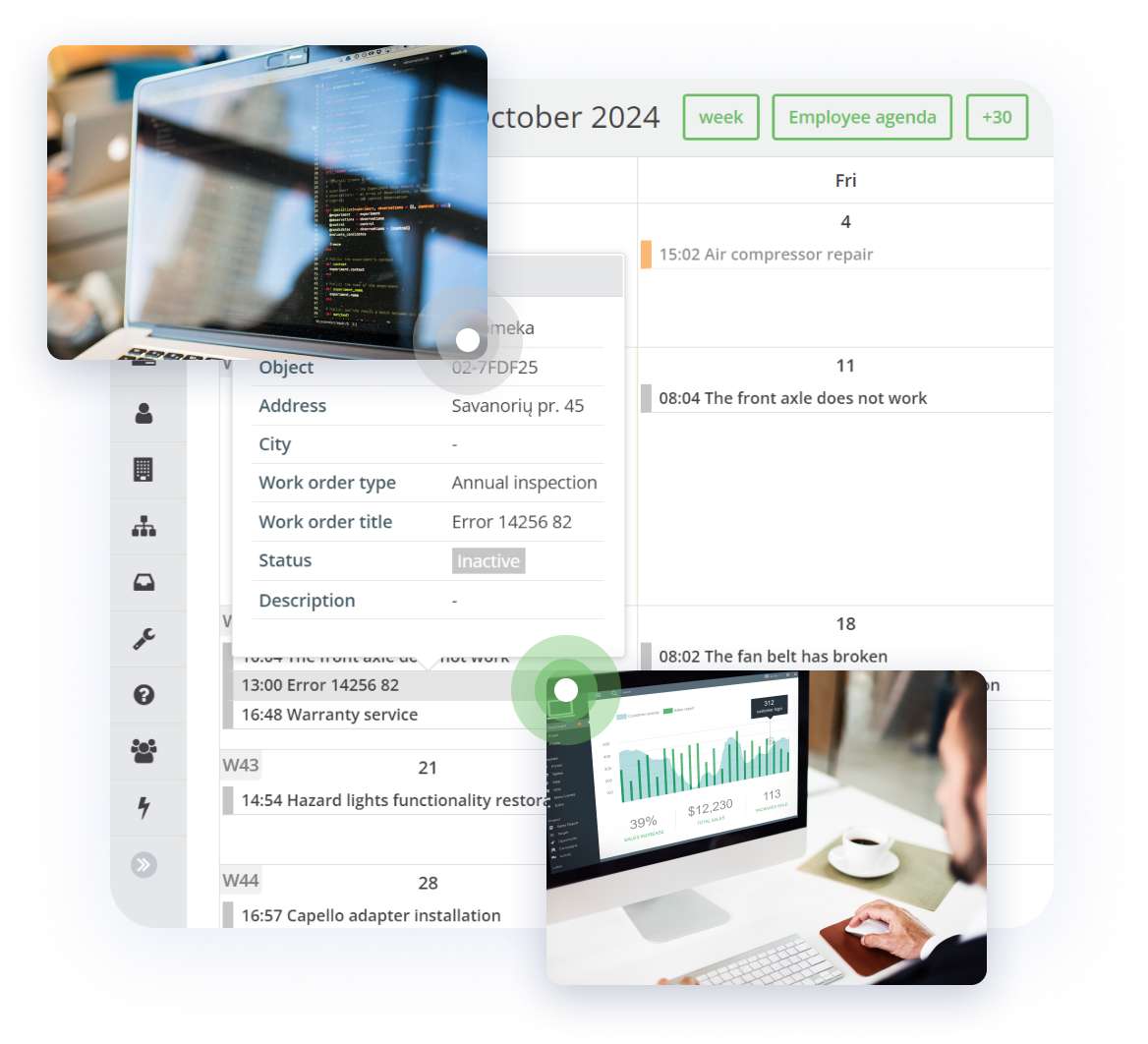
Eliminate manual data entry into the Develon portal (Next2U). The integration identifies specific maintenance jobs, like Stock or Preventive Maintenance, and automatically transfers the Visit Date, Serial Number, and Operation Hours as soon as the work is approved in Frontu. This “set it and forget it” process saves administrative time and prevents human error.
Automatic document upload

Once the maintenance data syncs, Frontu automatically grabs the signed “Act of Acceptance” PDF from the job card and uploads it directly into the Develon system. This seamless transfer means no more downloading, renaming, or re-uploading is required.

Smart data translation

Always speak the manufacturer’s language. Develon requires specific formats for service intervals (e.g., “1,000 Hours / 6 Months”). Frontu’s smart mapping handles this for you, ensuring that data entered by your technicians is automatically converted into the exact format required by the manufacturer for perfect accuracy.

Built-in safety nets for reliability

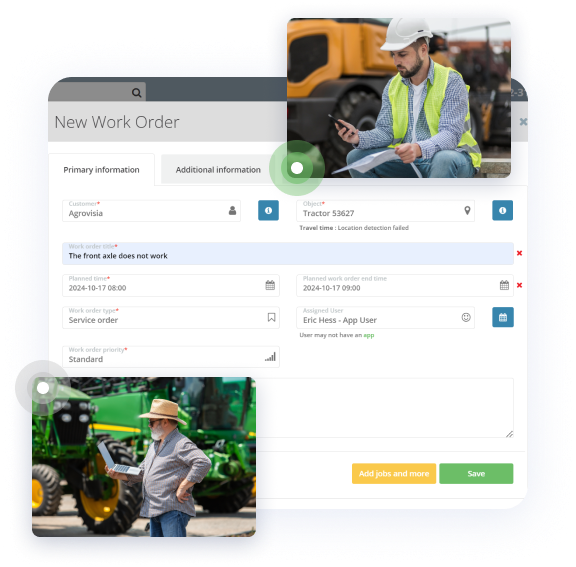
Maintain accurate records with built-in safeguards. The system validates and matches machines using the VIN (Serial Number), ensuring data always goes to the right asset. If a sync fails, the task is automatically tagged “Not synced_Develon” and an admin receives an email alert. A “one-click retry” button inside the Work Order allows you to manually trigger the data transfer again with ease.

Proven success: Intrac Lithuania

This integration is not just a concept; it has been successfully developed and deployed for Intrac Lithuania, streamlining their entire reporting and service workflow for Develon machinery.