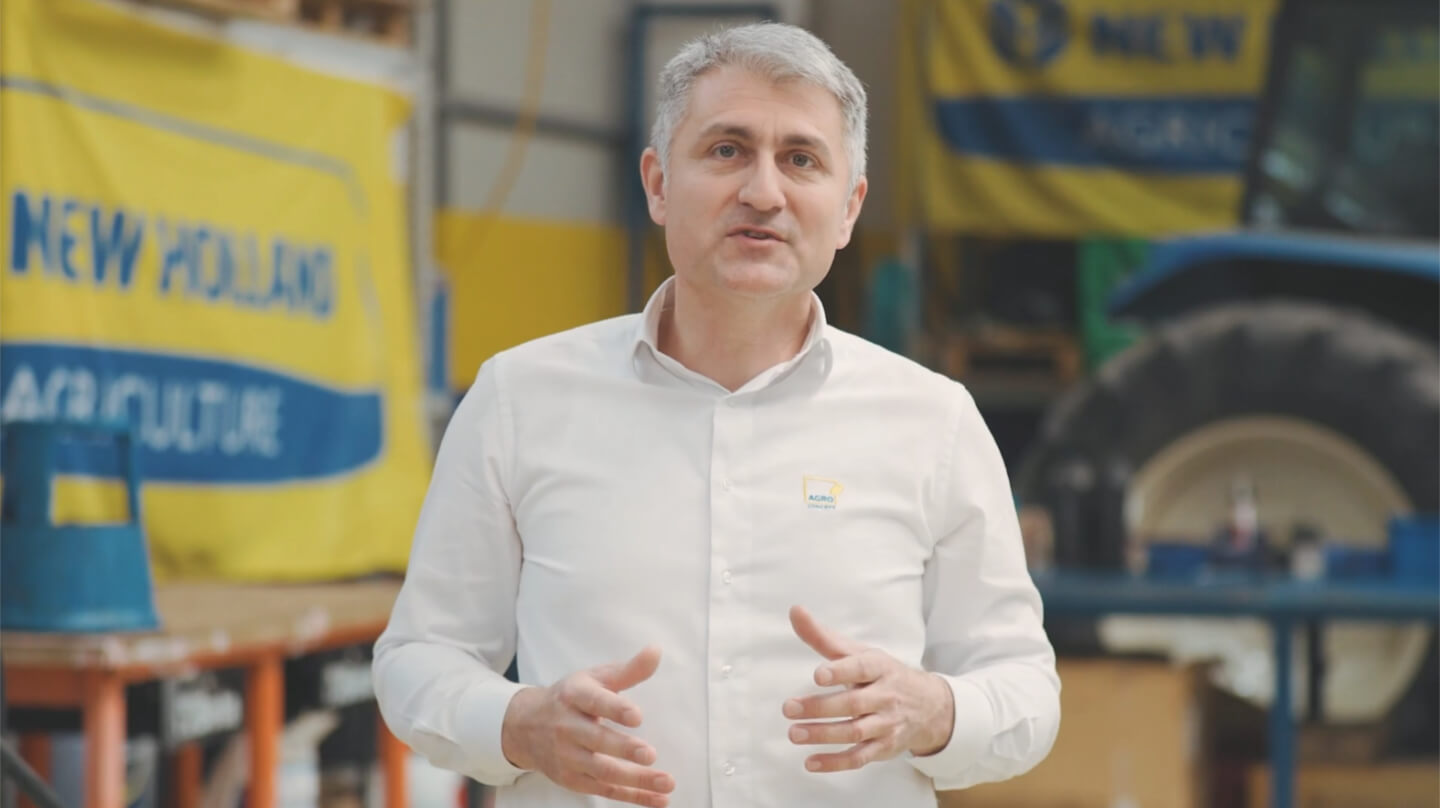
Video explainer


Frontu is localised in Your Language
The Frontu app gives you the opportunity to choose between different languages.

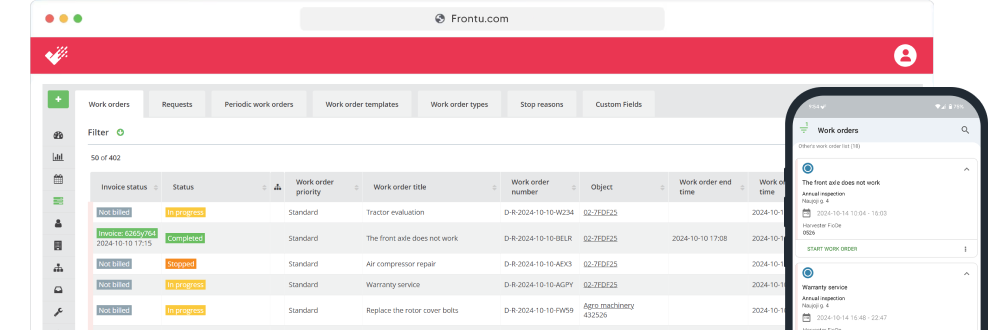
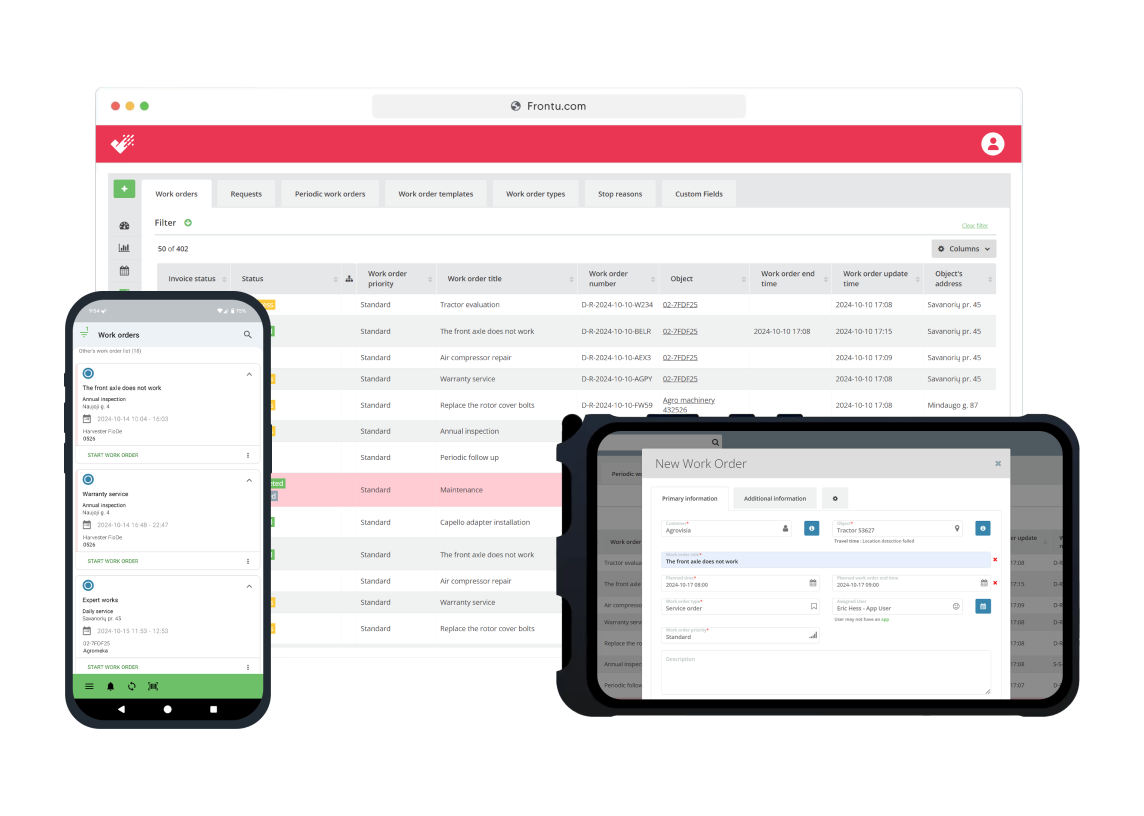
Use Frontu as an ERP add-on or standalone. Track technicians’ working hours, manage spare parts, fill in checklists, take photos and collect signatures. Make work order digital.
The Frontu app gives you the opportunity to choose between different languages.
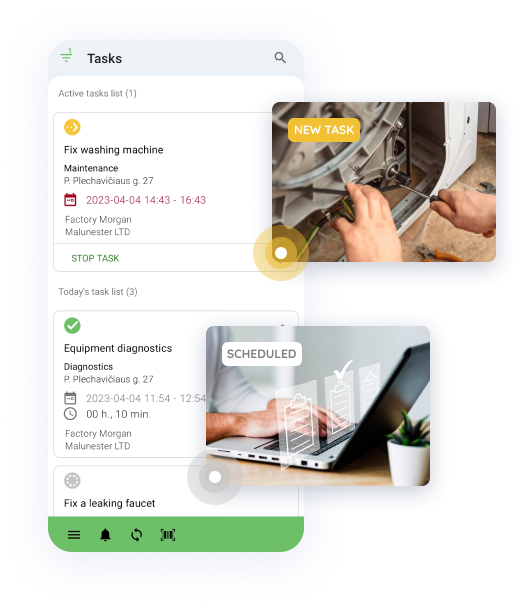
With Frontu, all manual processes are eliminated and workers can simply inform management about progress, obstacles, or needs with the click of a few buttons.
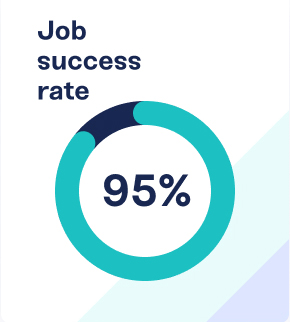
The first-time fix rate indicates the percentage of time it takes for a technician to fix a customer’s problem at the first go without any additional help, preparation, or parts.
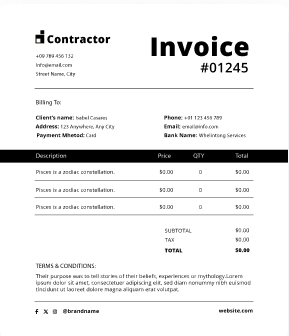
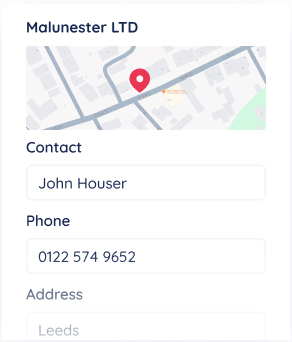
Accessing past job information on-site is crucial for effective field service. Frontu allows technicians to review job history, client preferences, and task requirements directly on their mobile devices.


We’ve been working with Frontu since their launch. Since then, our service capacity and results have grown by four times, technician productivity has increased by 30%, and it helped us save more than 10x in document processing and admin time.


Aftersales Manger

Mobile app streamlines field management by providing real-time data access, offline syncing, and automatic schedule updates. It enables technicians to view work order histories and documents, while instantly sending reports.


93%
increased job satisfaction
40%
reduction in operational costs
32%
increase in mobile worker productivity
30%
faster response times


Reach your team and manage their work in real-time wherever you are. Employees can register task statuses, log in their progress, and client requests, allowing you to always be on top of all your onsite and offsite operations.
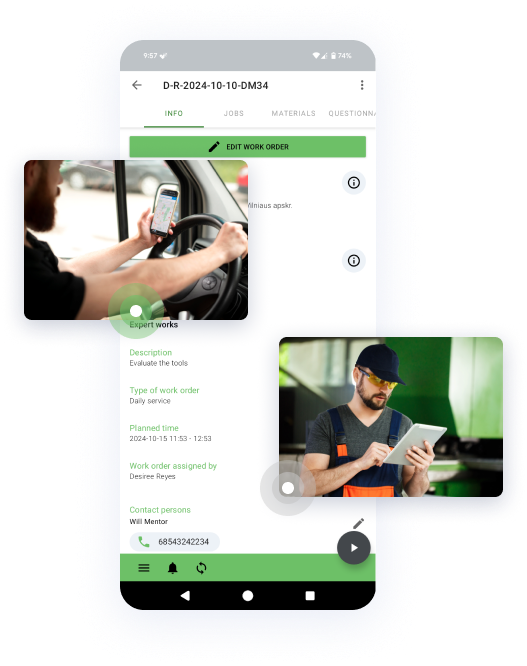

Forget about long and tedious administrative tasks – we’ve got you covered. Frontu allows optimizing and automating periodic and recurring administrative procedures so that you and your team could focus on what matters the most – providing excellent service.
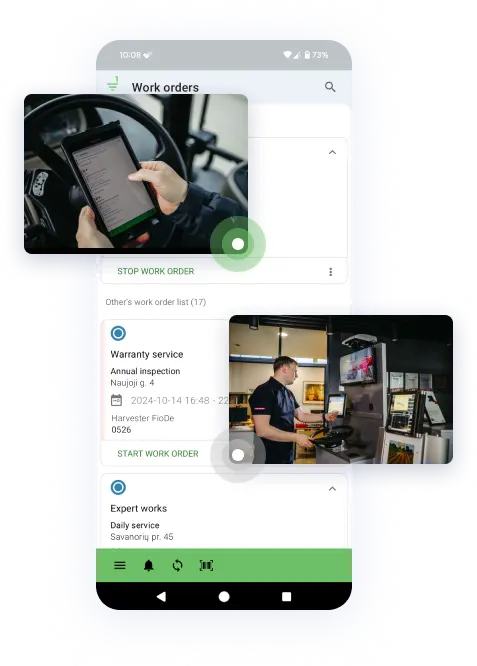
Keep your ERP or DMS as the source of truth. Service orders created in the office land in your technicians’ app as ready-to-go jobs, and completed work flows back with labour, parts, photos and signatures. Send invoices the same day the work is done.

Connect Case, New Holland, Steyr, John Deere, Manitou, Hitachi and Develon machines to Frontu. Engine hours, location and fault codes update every hour, and your rules create the job: a high-risk fault code becomes a repair order, a maintenance or warranty hour limit becomes a service visit. Reach the machine before the customer calls.

Register each machine with its model, serial number, warranty expiry and next maintenance date, and link it to the customer and site. Every repair, part and inspection is logged on the machine, so technicians arrive knowing its history.
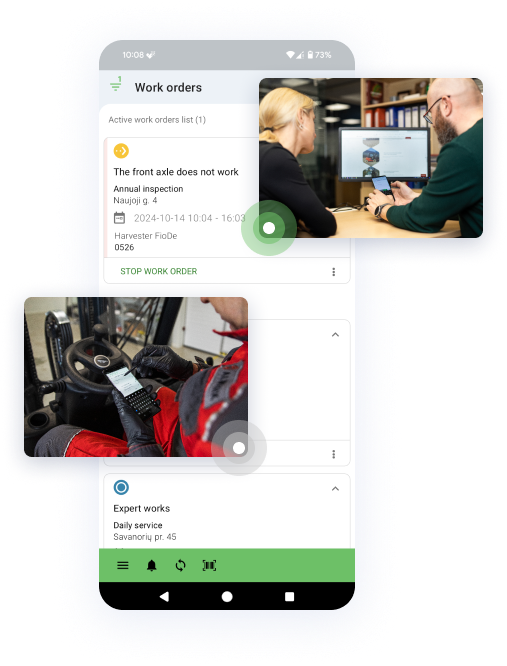
Capture photos with markup, checklists, timestamps and the customer’s signature. Each job closes with a PDF job card listing the machine, parts and serial numbers, ready to send to the customer and attach to your ERP or DMS record.

What is heavy equipment software?
Heavy equipment software is a digital tool that helps dealers, rental companies and service contractors plan, carry out and record maintenance and repairs on machinery such as excavators, loaders, cranes and agricultural machines. It replaces paper job cards with mobile work orders and keeps machine history, spare parts and technician hours in one system.
Do I need to replace my ERP or DMS to use Frontu?
No. Your ERP or DMS stays the central system for finance, parts, stock and warranty. Frontu adds the field layer: work orders created in your ERP or DMS appear in the technician’s app, and job data is sent back once the work is done.
Can technicians work without an internet connection?
Yes. Construction sites and farms often have weak or no signal. Technicians keep working in offline mode, and the app syncs all updates automatically once the connection is back. No data is lost.
Who uses heavy equipment field service software?
Heavy machinery dealers, agricultural machinery dealers, equipment rental companies and independent service providers that send technicians to customer sites. Frontu is used by heavy machinery dealers in 20 countries, who have completed more than 40 million tasks with it.
Can I track technician hours and spare parts for invoicing and warranty claims?
Yes. Frontu records working time and location, and technicians log the parts they use directly in the app. Together with photos, checklists, timestamps and the customer’s signature, each completed work order becomes proof of work for invoicing and warranty claims, and can be sent back to your ERP or DMS.
The only way to validate and verify Frontu’s use and impact is by looking at what other businesses have to say about us
Join 10,000+ FSM leaders. Subscribe to our monthly expert-led newsletter. We find and report on case studies, success stories and playbooks that are working out there right now.