



Boost vending service
efficiency by 30% using Frontu

Monitor vending machines across multiple locations, collect data insights about your service, and motivate your team. Just one tool for all your operations.

Improve your team’s workflow and efficiency with Frontu

Get in Sync with Your Service Team

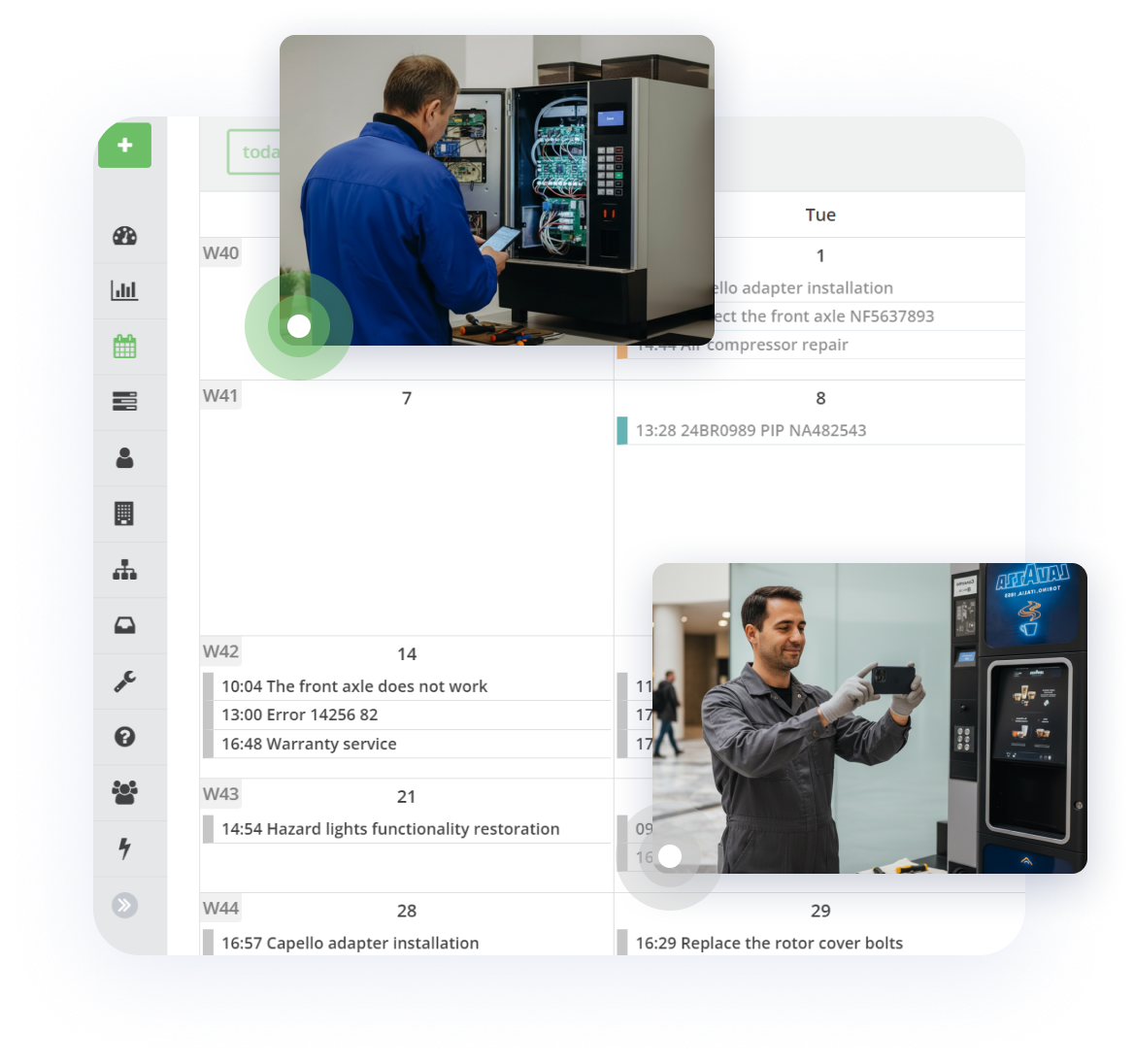
Get instant records and insights about your vending machines in different countries and schedule product reloads and equipment maintenance.

Update Progress on Tasks in Real-Time

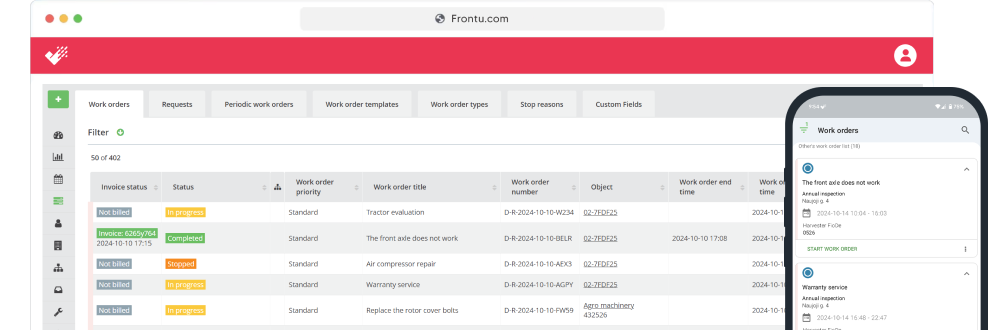
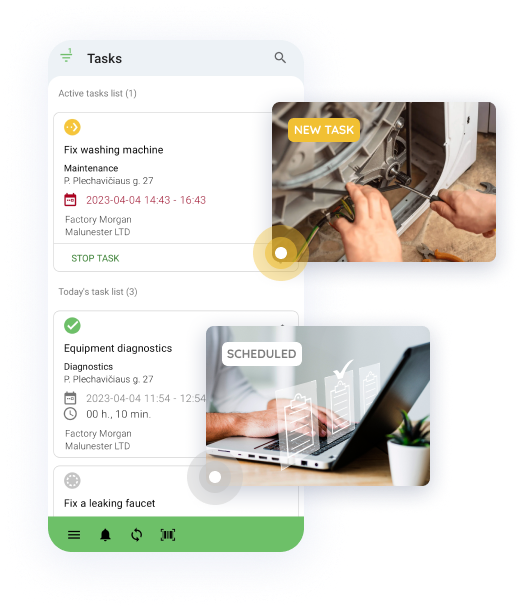
With Frontu, all manual processes are eliminated and workers can simply inform management about progress, obstacles, or needs with the click of a few buttons.

Improve your first-time fix rate

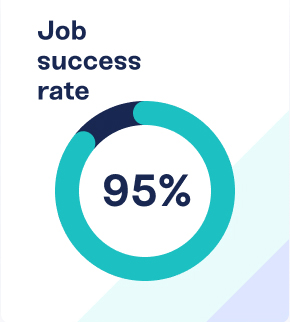
The first-time fix rate indicates the percentage of time it takes for a technician to fix a customer’s problem at the first go without any additional help, preparation, or parts.

Access Job History & Details Anywhere

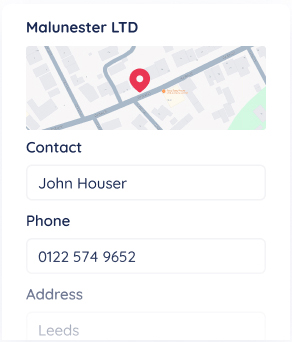
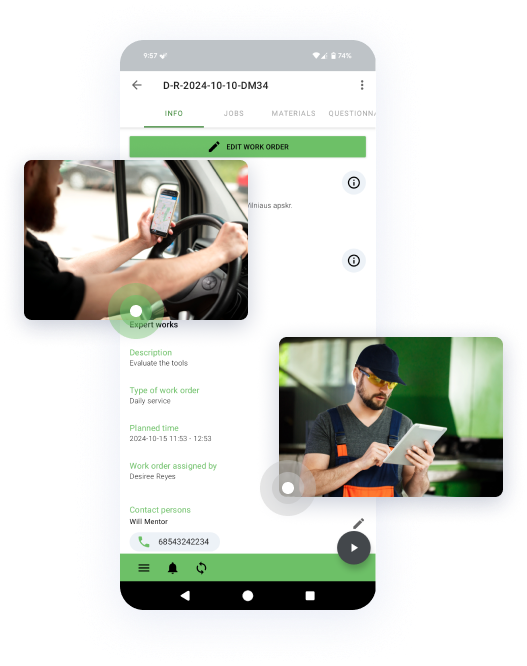
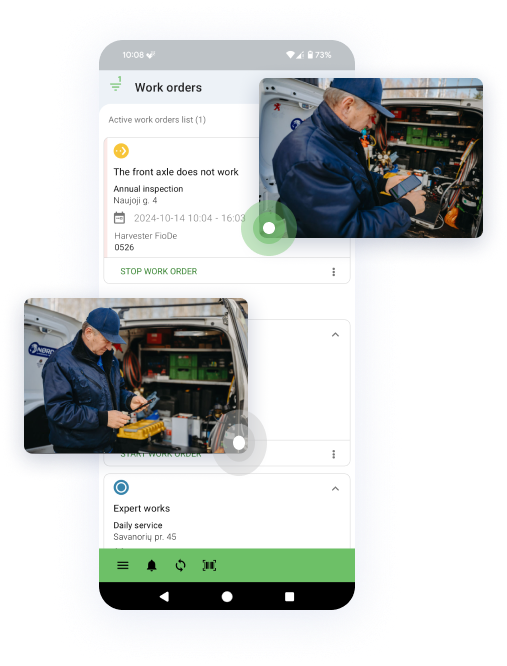
All vital information in one place. Find customer job history, materials, equipment details and task requirements directly in Frontu app on mobile devices.

Technician-first Frontu mobile app

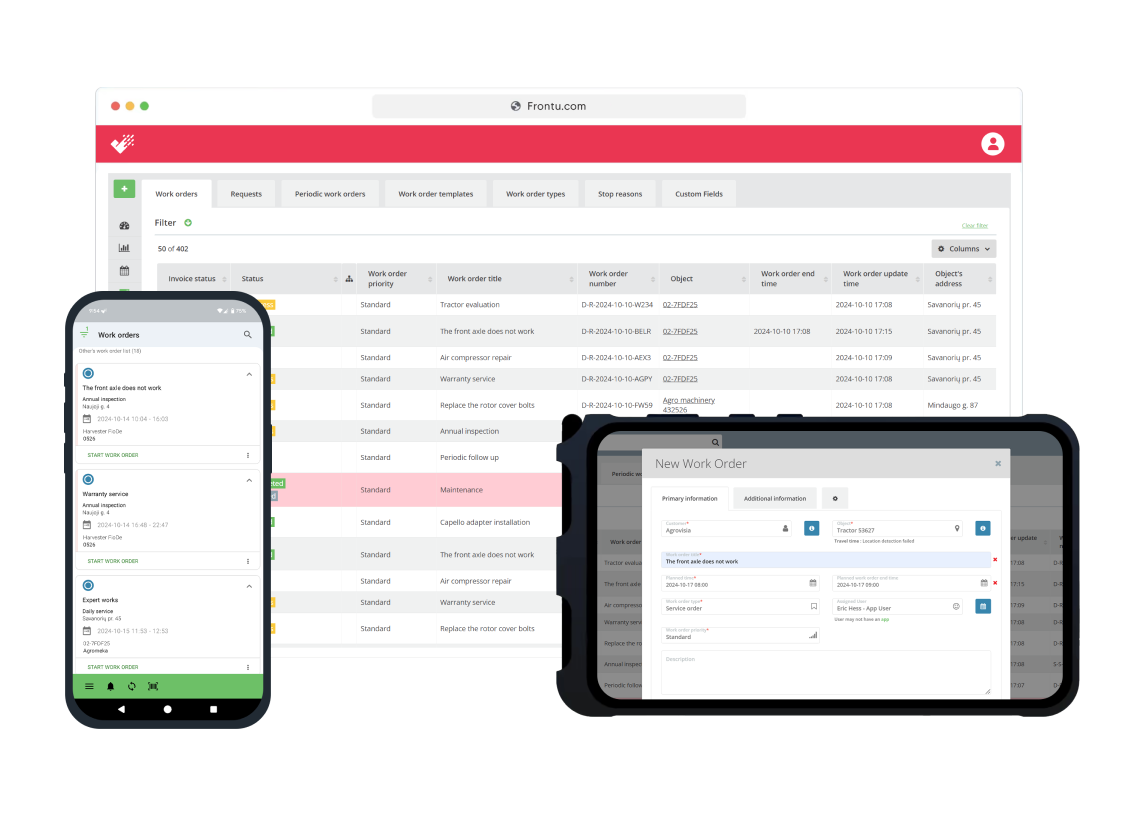
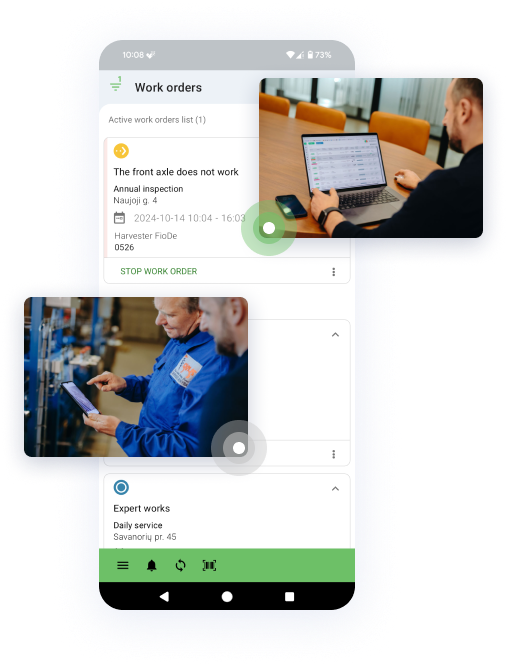
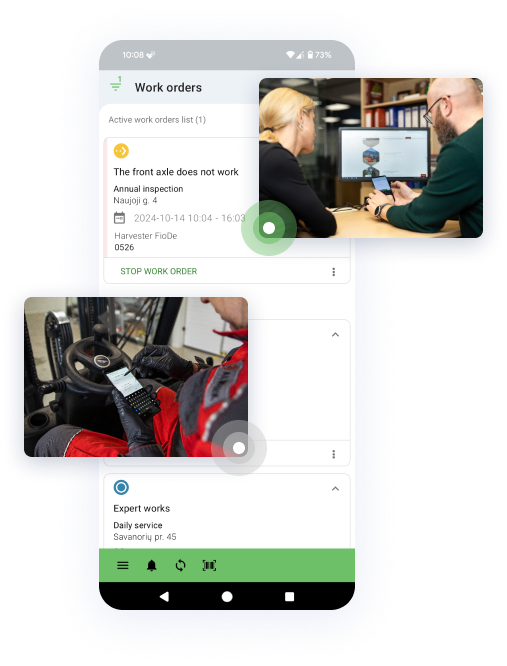
Mobile app streamlines vending service management by providing real-time data access, offline syncing, and automatic schedule updates. It enables technicians to view work order histories and documents, while instantly sending reports.

Calculate how much you could save

Discover how much time and money your business can save by switching to Frontu’s field service management software with ROI Calculator. Input your data and instantly see the potential return on investment.

Why use our ROI Calculator:

  • How much your business could save in total
  • Estimates of eliminating the need for paperwork
  • See how much time your team can save every week, month, and year

93%

increased job satisfaction

40%

reduction in operational costs

32%

increase in mobile worker productivity

30%

faster response times

Manage your team in real-time

Reach your team and manage their work in real-time wherever you are. Employees can register task statuses, log in their progress, and client requests, allowing you to always be on top of all your onsite and offsite operations.

Optimise periodic operations

Forget about long and tedious administrative tasks – we’ve got you covered. Frontu allows optimizing and automating periodic and recurring administrative procedures so that you and your team could focus on what matters the most – providing excellent service.

Integrate Frontu with your favorite tools

Frontu offers a broad selection of add-ons that help us deliver exceptional service to your business. We also provide fast integration through API or using Zapier. We keep updating the list to be up to date with the latest features and solutions.

Questionnaires

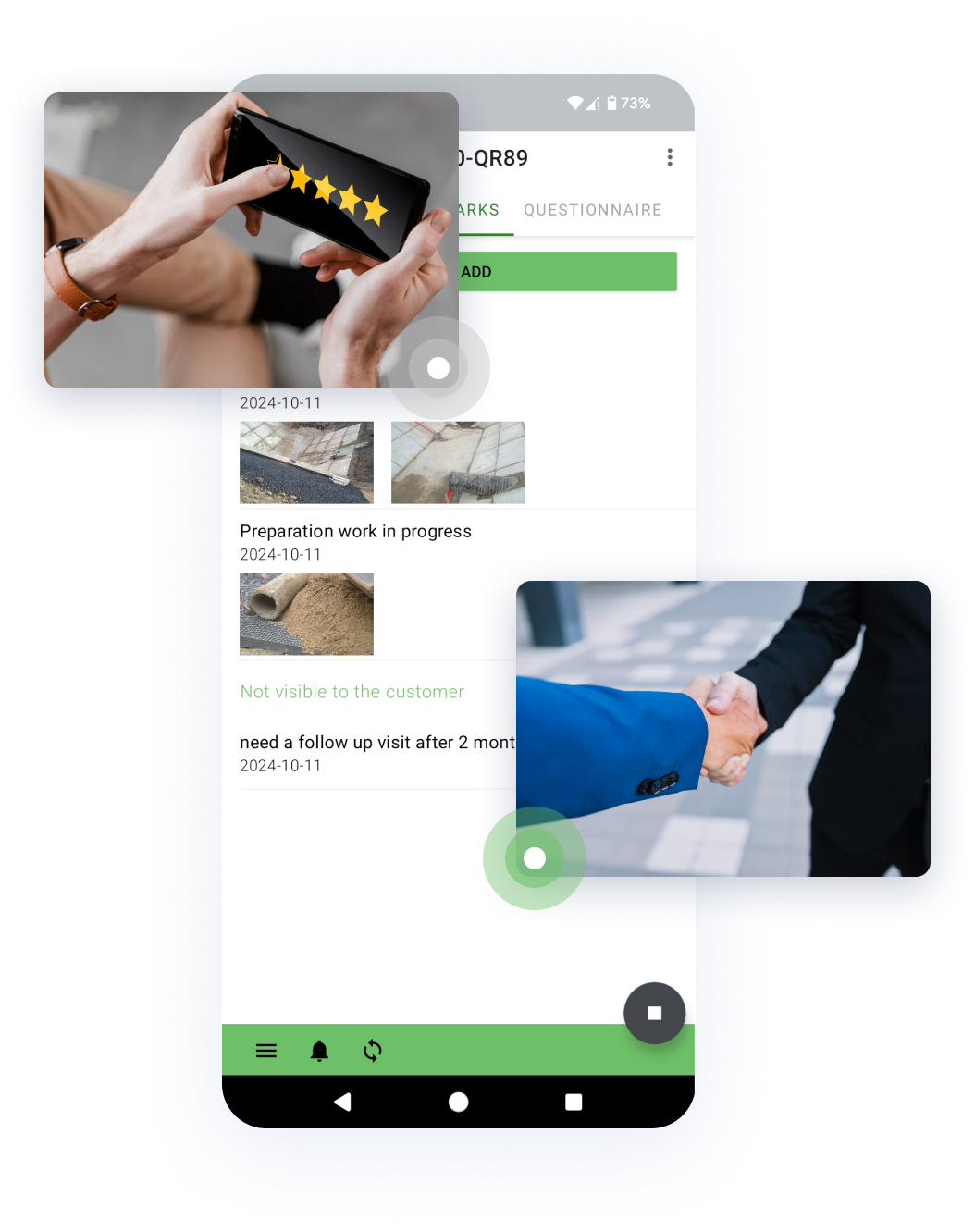
Add customized questionnaires and surveys after each task is completed. Your clients can fill them out to let you know about the service quality and other important performance metrics to help you improve the business.

Digital and remote signing options

Reduce paper waste and embrace sustainability with digital signing options. Your customers can sign documents and finished tasks right on a tablet or a special device and save data on an electronic archive. If you want to limit social contact, use our contactless options: a QR code or NFC tag.

QR/NFC tag scanning

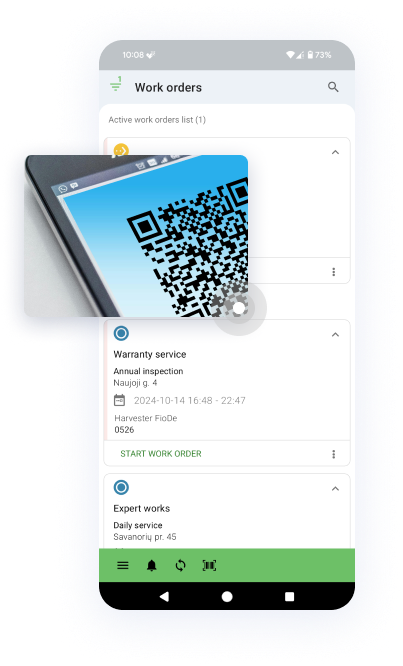
Save time by using QR codes and NFC tags. This functionality allows you to scan a unique code on a vending machine and instantly get all the job details. When the assignment is completed, the customer can also scan the code and finalize the task by signing it digitally.

Business intelligence integration

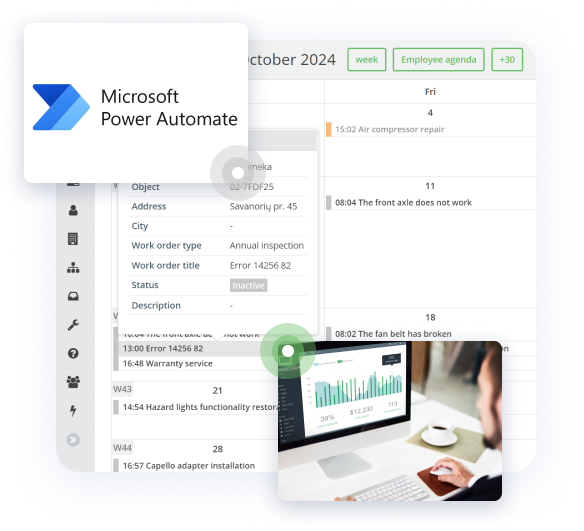
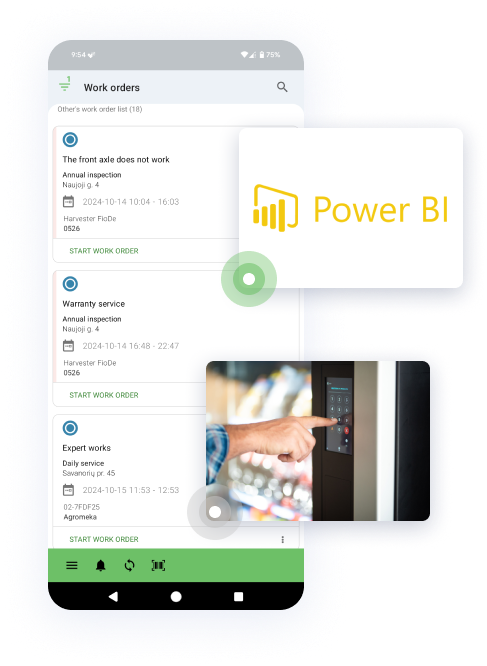
Collect raw data from different apps and platforms to turn it into comprehensive reports. We offer an integration with industry-leading business intelligence tools like the Microsoft Power BI solution to ensure smooth and efficient insights into your business.

Warehouse integration

Never run out of materials and equipment. Our equipment feature allows creating, editing, reassigning, installing, removing, and adding jobs/materials to tasks and warehouse information. You can move the equipment from the object to the warehouse and vice versa.

IoT Integration

Embrace digitization with predictive maintenance functionality. The feature automatically detects system or equipment failures and registers them on the Frontu platform as a task.

Vending Management FAQ

  • What is a vending management system?

    A vending management system is a digital software designed to help vending companies track vending machines, allocate responsible employees for maintenance, ensure safety measures, and manage daily operations digitally.

  • What is a field service management system?

    A field service management software is a technician-first digital system designed to take care of a company’s resources and employees, that work outside headquarters, company premises, or on the client’s property. A digital solution helps gather information from different departments into one system where both employees and management can plan tasks, track assets, and assess the company’s progress.

  • Who uses field service management software?

    FSM software is designed for field service companies to manage their front-line workers better. Any size business can benefit from digital solutions like field service management systems as such tools give you more control of service operations.

  • How can customers follow tasks, history and send task requests?

    Your customers can easily, with very few simple steps, send you a task request. But make sure your customers have access to the Customer platform, which can be used as an app or web. Customers can follow a live task status, history, and change information about a specific location (object) or contact person on the platform.

  • Can I add additional columns or fields to a task?

    Yes, we offer a Custom Field feature that is available for Pro plan users. It allows adding custom fields to each task. You can find more information here.

  • How can I solve an issue when a customer is not on the site, but we need a signature to finish a task?

    We recommend you try our remote signature feature, which enables your customers to sign tasks wherever they are. For this, customers can use the QR/NFC tag functionality, scan the code when they are available and sign the task using a digital signature. You can request a customer signature via email or Customer Platform.

  • Can technicians work with no internet connection?

    Yes, as you can’t predict the course of many field service tasks, we optimized our solution to be used online and offline. Most of our customers work in places where there is no internet connection, or it is limited. You can use the app in offline mode, and when the connection is restored, the system will automatically add updates. Read more.

  • What devices should I use?

    Frontu supports mobile phones and tablets with the Android operating system. You can download and install our app on your frontline workers’ devices and use the backend coding for the management team. Here we give more in-depth information about device specifics.

  • Do you provide onboarding to use the Frontu solution?

    We provide team training and onboarding to ease your journey to digital field service management. In addition, on our app and web, you can find an online live chat to ask questions, our library, and know-how resources.

  • What languages does Frontu support?

    For now, we support English, Ukrainian, Estonian, Latvian, Lithuanian, Finish, Russian, Spanish. But we never stop improving and keep updating our language list.

  • How can I get a demo?

    You can request a meeting with our representative to do a quick tour of system functionalities to learn how to use them. If a trial account is needed, our representative will help to set it up for you. You can request a demo meeting here.

  • Can we integrate Frontu with our existing in-house systems?

    We have experience with different integrations, and for that, we provide API documentation. In many cases, it’s enough for customers to do integration without our help.

  • Do you have business intelligence analytics?

    We have a general dashboard to get an overall picture of what is going on with your business. However, bigger companies use our Microsoft Power BI add-on to create reports and dashboards they need.

  • How much does Frontu cost?

    The cost varies depending on Your needs. You can always navigate to the Pricing page found at the top of our website to find a detailed breakdown of our fees.

  • Is it possible to integrate with CRM or ERP software?

    Yes, the integration is possible with external CRM or ERP.

  • Is there any support after I buy a Frontu plan?

    Yes, our live customer support is available between 9:00 – 17:00 (EET).

    Also, you can always use our Help Center. Support from the app is available if you go to Menu > “Chat with a person”

  • What device specs do you recommend for optimal use?

    Minimal system requirements are:

    • Android 5.0 or up
    • At least 2.0Ghz CPU
    • At least 2GB RAM
    • At least 8GB of storage
    • At least 5-inch screen diameter
    • A camera is also needed if you want to use QR code scanning features.