End-to-end digital workflow
Connect every step from work order creation to job completion, reporting, and invoicing. Service data stays digital, structured, and visible throughout the workflow.


Link work orders, technician updates, inventory usage, and invoicing in one connected flow. Give your field team a mobile-first workspace without disrupting your existing NAV processes.
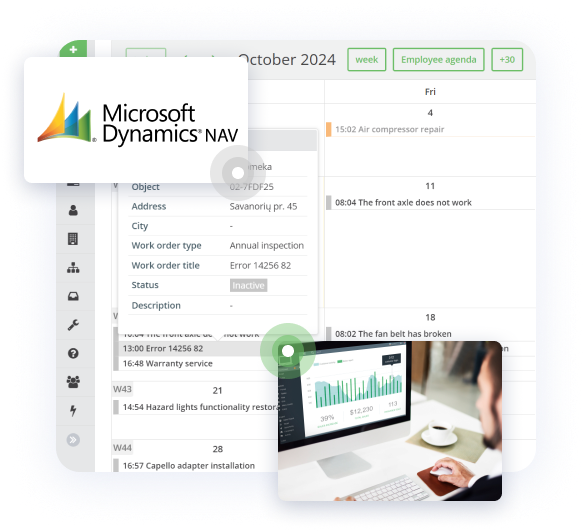
We have already helped heavy machinery dealers from 20 countries to complete more than 40 million tasks.









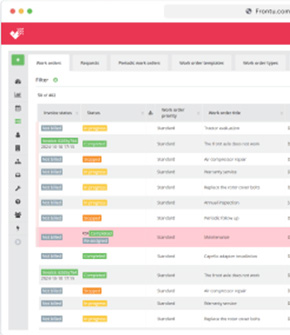
Connect every step from work order creation to job completion, reporting, and invoicing. Service data stays digital, structured, and visible throughout the workflow.
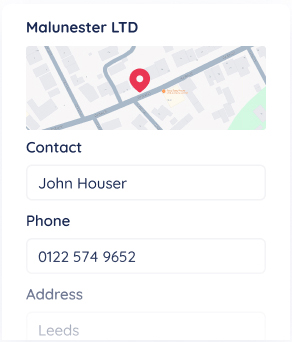
Customers, assets, work orders, parts used, and job outcomes stay synced across systems, reducing duplicate entry, conflicting records, and manual work between teams.
Frontu gives field teams a mobile-first workspace built for real service work, helping technicians complete jobs faster and with fewer interruptions, handoffs, and missing details.
Job completion data moves back into Microsoft NAV faster, helping teams speed up invoicing, stock follow-up, and internal reporting.
Microsoft NAV connects finance, inventory, and service administration. Frontu adds the missing execution layer for dispatch, mobile work, real-time technician updates, and faster job closure in the field.
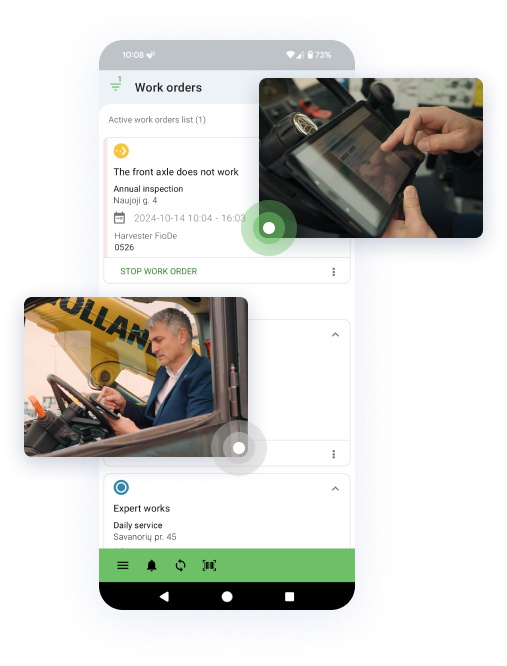
Frontu turns NAV service data into field-ready workflows with tasks, forms, attachments, photos, signatures, and offline access. Technicians work in one mobile app, while NAV remains the operational backbone.
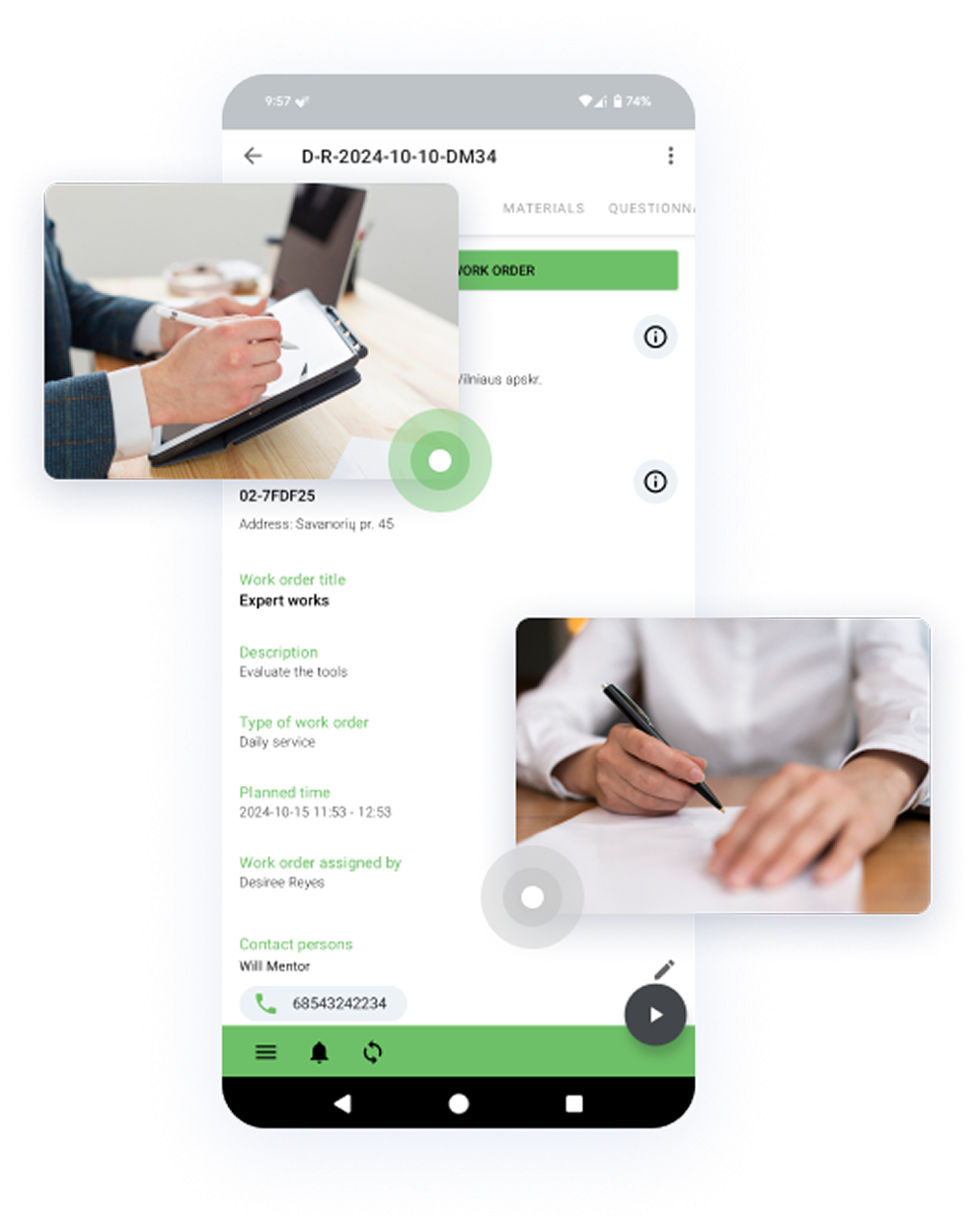
Replace paper forms, calls, and spreadsheet-based coordination with one connected process. Frontu reduces double entry between technicians and office teams, helping service data move back into NAV without delays or missing details.
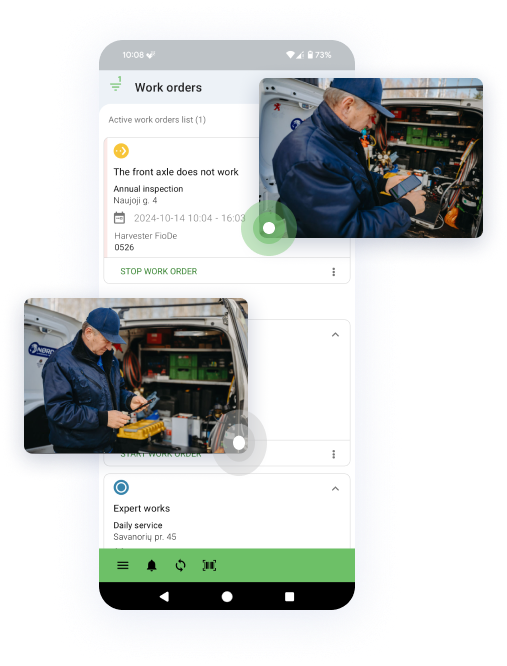
Technicians can log parts used directly from the field, helping service activity stay aligned with NAV inventory records. That means clearer stock visibility, fewer missing materials, and faster follow-up for the back office.
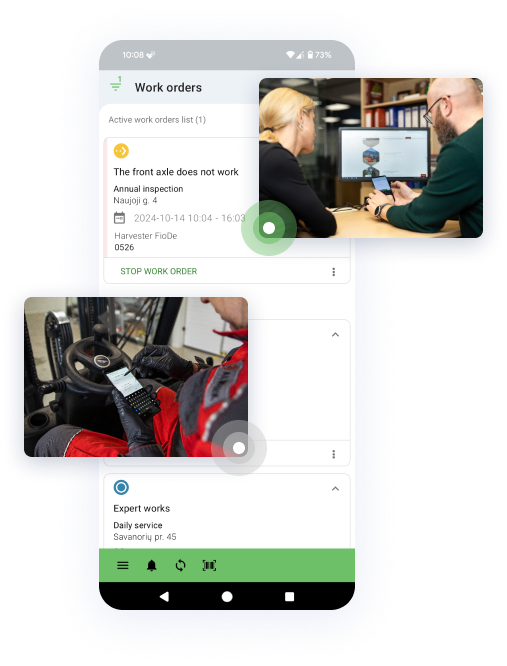
As soon as the job is completed in Frontu, the data is ready to flow back into NAV for job closure, invoicing, and reporting. That shortens the gap between completed work and administrative action, improving cash flow and reducing admin time.


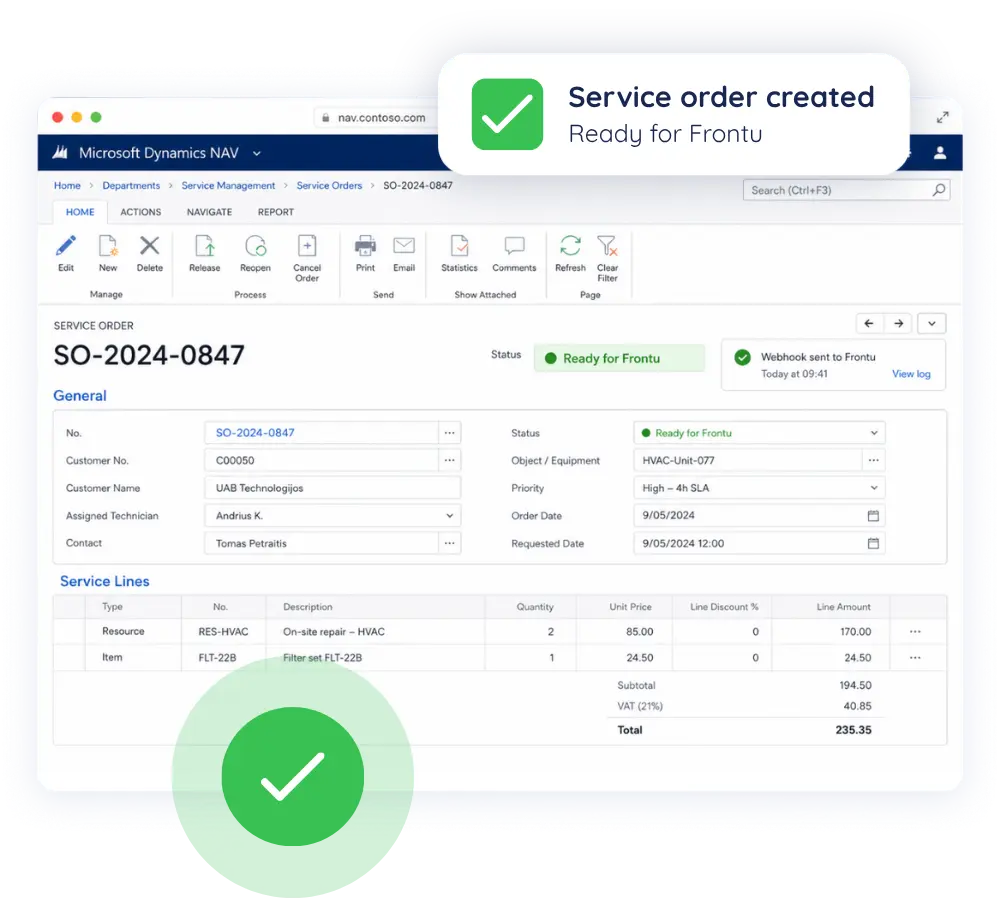
Service coordinators fill in the service order in Microsoft NAV, allocate spare parts if needed, and set the status to plan the work. The service order is then synced to Frontu.
Technician allocation can also be done using the Frontu planner.
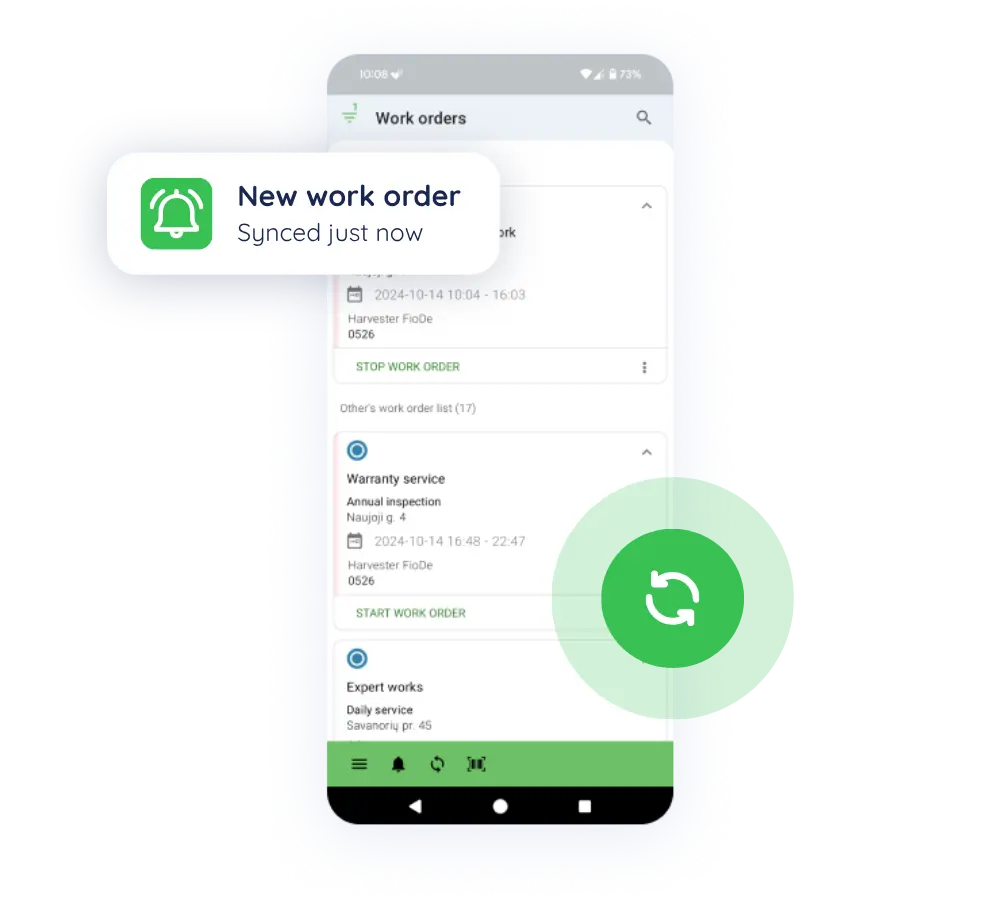
Once the foreman assigns the right technician to the work, the work order appears in the technician’s Frontu app with all details synced and ready to start – no manual entry needed.
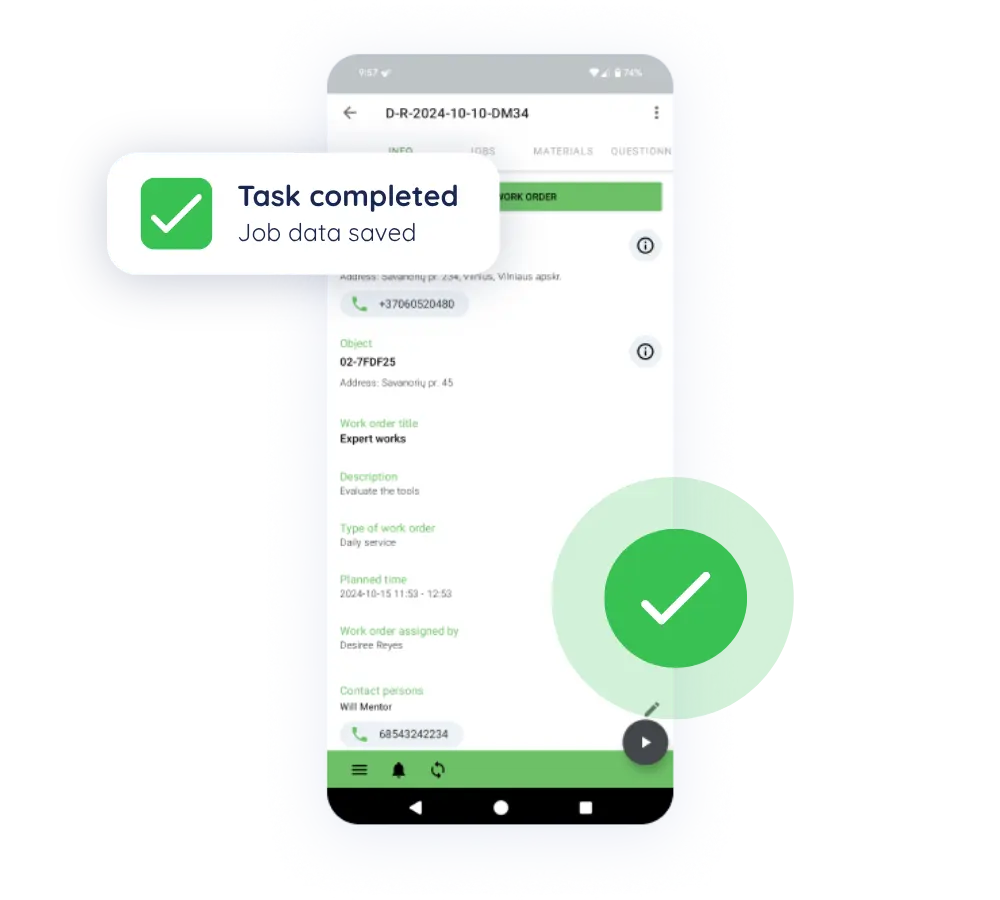
The technician logs all work directly in Frontu on-site, even when offline: required repair fields, time used, fitted spare parts, photos, and the client’s digital signature. The data is then synced back to the back office for foreman approval.
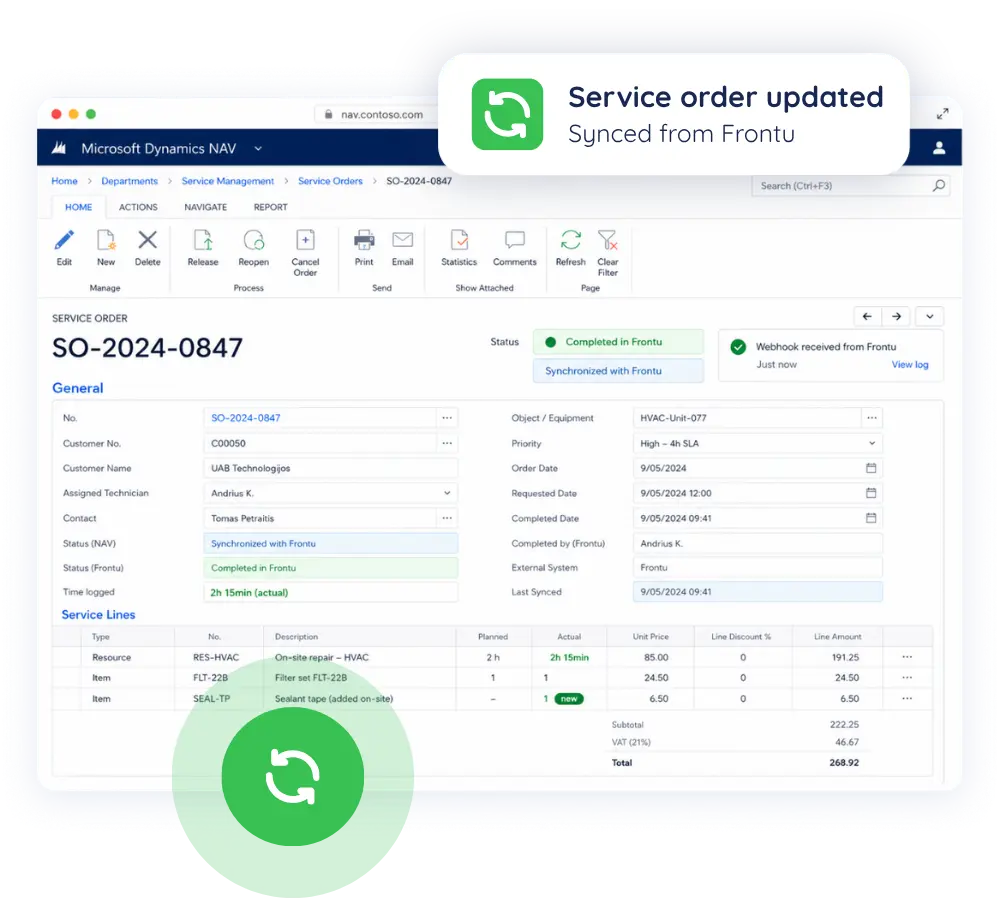
When the foreman approves the service order in Frontu, all spare parts, labour, and travel information sync back to the original Microsoft NAV service order automatically.
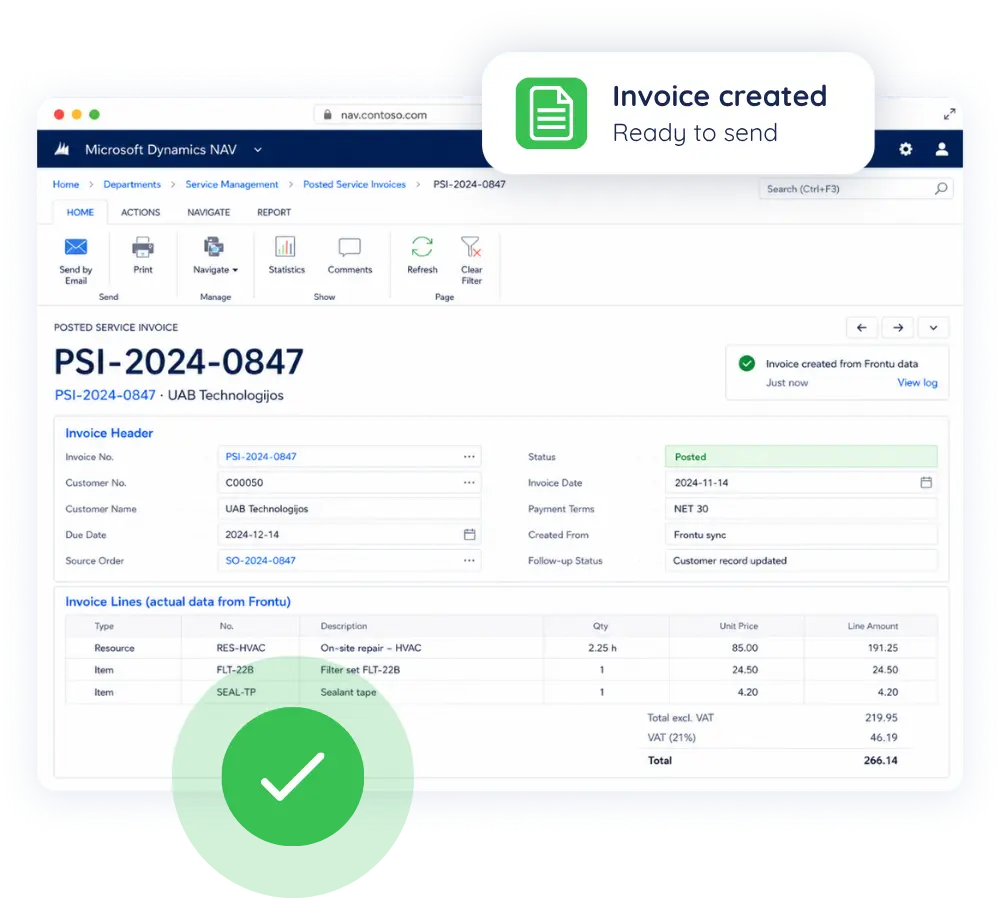
No manual reconciliation is left. No cash flow problems or forgotten invoices. Service order lines are updated instantly and ready for invoicing on the same day the work is approved.
Do I need to replace Microsoft NAV to use Frontu?
No. Frontu is designed to work with NAV, not replace it. NAV continues to manage your operational and financial records, while Frontu handles the field execution workflows NAV is not built to support directly.
What does the Frontu and NAV integration improve?
It connects work order execution, technician updates, parts usage, and job completion back to NAV automatically. That helps reduce manual re-entry, improve data quality, and speed up invoicing and stock follow-up.
Can Frontu help if our service team still relies on paper or calls?
Yes. Frontu replaces paper forms, spreadsheet-based coordination, and phone-call updates with a mobile-first workflow, so service data is captured in one place and returned to NAV in structured form.
What if our NAV setup is older or customized?
Older or more customized NAV environments may need additional evaluation, but that does not make integration impossible. Frontu already has a practical process for assessing technical setup and defining the right sync logic.
Will our data be safe while it's moving between systems?
Yes. Data moves through secure connections, and the integration is designed to keep operational data synchronized without relying on manual file transfers or disconnected processes.
Will our teams need to work in both systems?
No. Technicians work in Frontu, while office and administrative teams continue working in NAV. The goal of the integration is to remove duplicated work, not create more of it.
Join 10,000+ FSM leaders. Subscribe to our monthly expert-led newsletter. We find and report on case studies, success stories and playbooks that are working out there right now.