Connect your ERP/DMS to the field


Integrate Frontu with your ERP or DMS to create one connected flow from work order creation to job completion, inventory updates, and invoicing. Unlock technician-first workflows, mobile work execution, offline access, and real-time job updates.

Ask AI
about Frontu
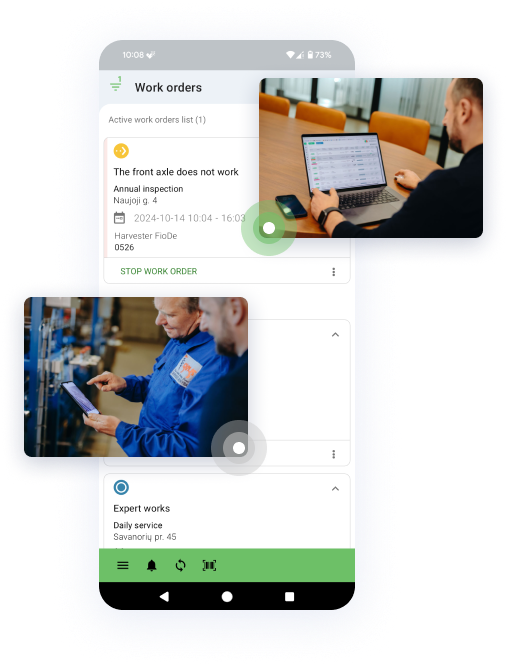
The execution layer for your ERP

End-to-end digital workflow

Connect every step from work order creation to job completion, reporting, and invoicing. Service data stays digital, structured, and visible throughout the workflow.

One connected data source

Customers, assets, work orders, parts used, and job outcomes stay synced across systems, reducing duplicate entry, conflicting records, and manual work between teams.

Faster technician execution

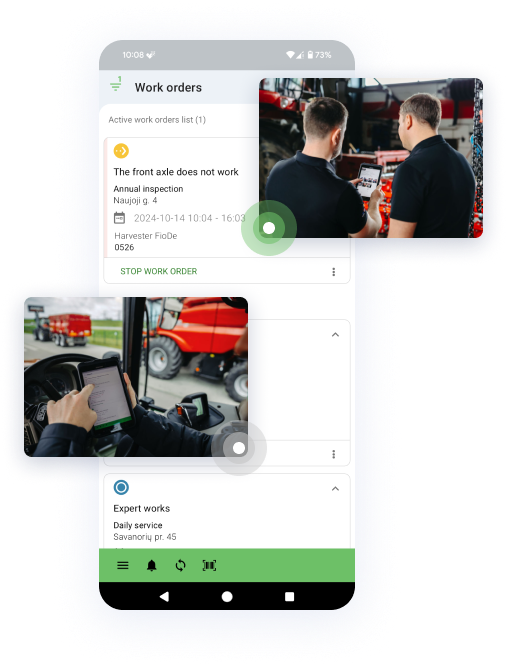
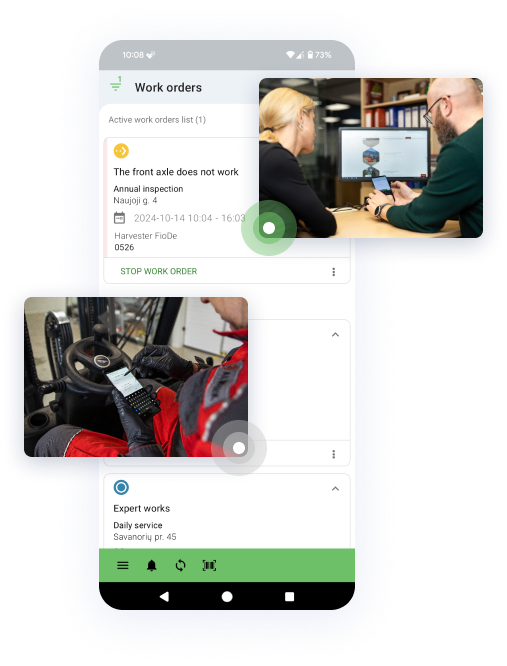
Frontu gives field teams a mobile-first workspace built for real service work, helping technicians complete jobs faster and with fewer interruptions, handoffs, and missing details.

Faster follow-through

Job completion data moves back into your ERP faster, helping teams speed up invoicing, stock follow-up, warranty handling, and internal reporting.

ERP systems are not built for the field

Whether you use a general ERP or a DMS, field work still gets pushed into paper, calls, spreadsheets, and manual follow-up without a dedicated execution layer.

Notifications add-on
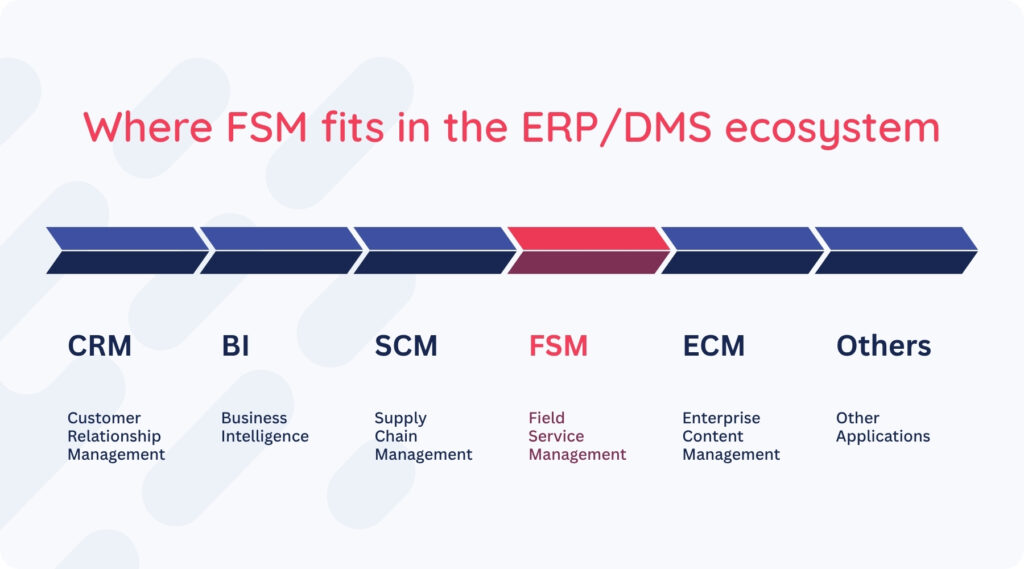
ERP

Built for company-wide operations such as finance, purchasing, stock, payroll, and reporting. ERP gives the business control, but it was designed for back-office desks, not technician workflows in the field.

Max AI add-on
DMS

A DMS is a dealership-focused type of ERP built for parts lookup, service administration, customer records, inventory control, OEM-connected workflows, and warranty handling. It coordinates dealer operations from a desk, but it is not built for mobile field execution.

Poweruser add-on
FSM

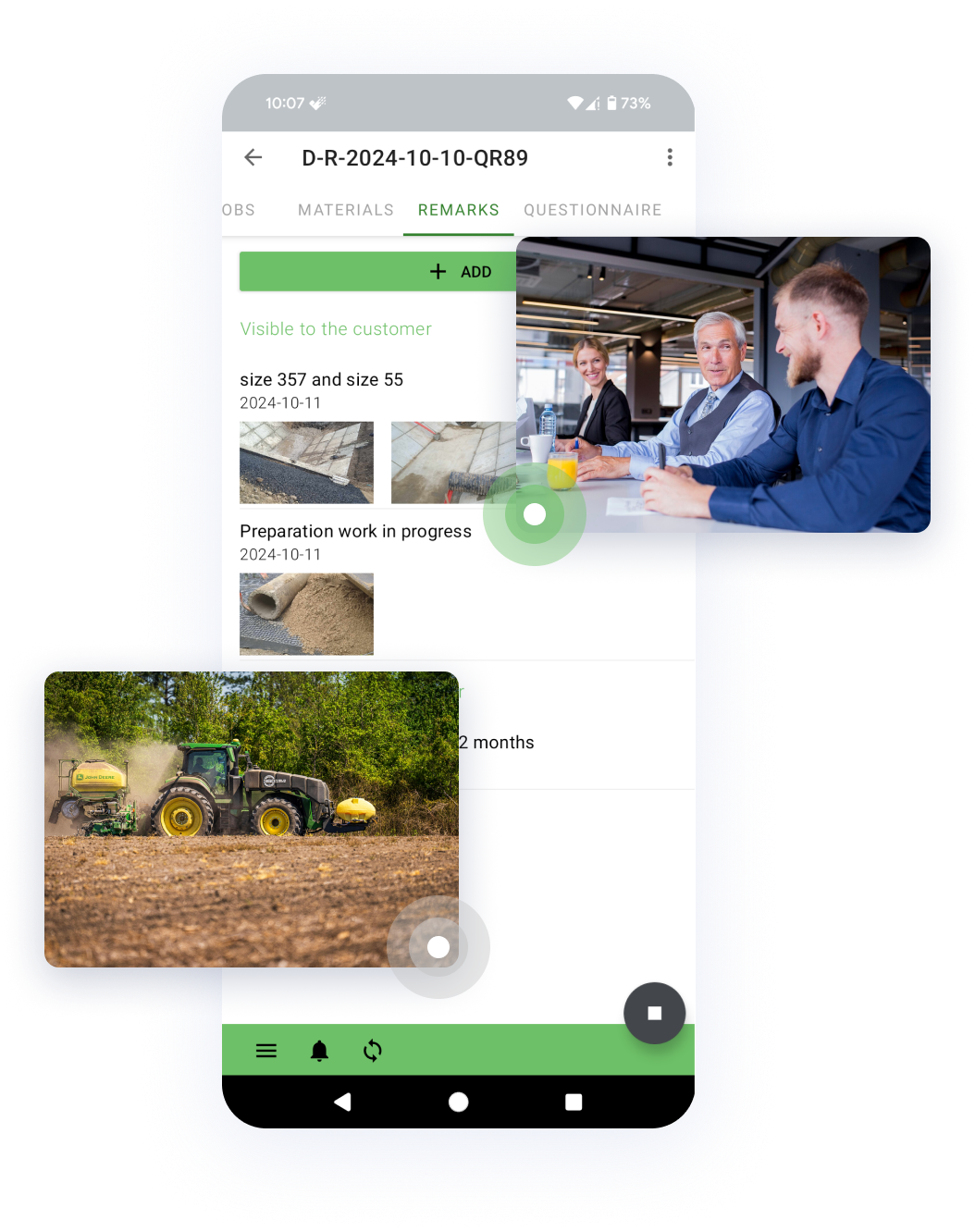
Built for service operations in the field: dispatching, technician workflows, job execution, checklists, parts usage, photos, signatures, time tracking, and customer-facing job documentation. FSM is designed for a van, a basement, a rooftop, and patchy 3G.

Explore our integrations

See how Frontu connects with leading ERP and DMS to streamline field service, improve data flow, and reduce manual work.

Frontu fills the gap between ERP and field service

ERP gives business control. DMS manages service, parts, and warranty workflows. Frontu adds what happens between assignment and completion: dispatch, mobile execution, live updates, field documentation, and structured job closure.

Field-ready workflows

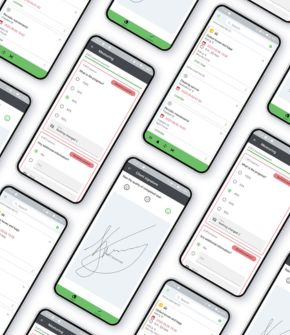
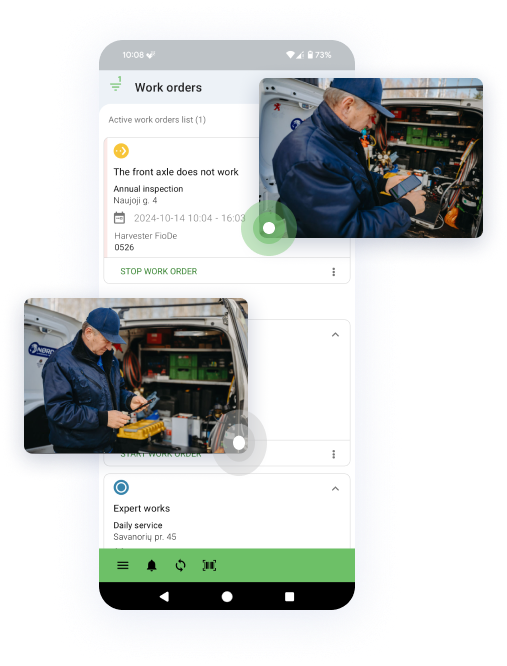
Frontu turns ERP data into mobile workflows with tasks, forms, photos, signatures, attachments, and offline access. Technicians get a tool built for the field, while your ERP remains the central source of truth.

Unified service data

Replace scattered paper, calls, and chat apps with a single mobile solution. Frontu syncs customers, jobs, parts, and outcomes across systems for cleaner records and fewer manual errors.

Smarter mobile dispatching

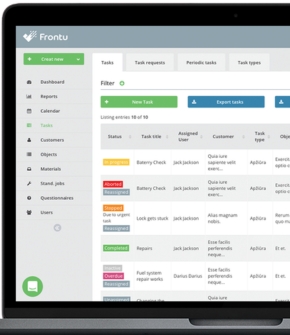
Move beyond spreadsheets, whiteboards, and manual coordination. Frontu gives teams a live view of technician availability and active jobs, helping assign jobs faster and more accurately.

Stronger warranty support

Capture photos, checklists, digital signatures, timestamps, and job outcomes as proof of work. Attach everything to the ERP record automatically to strengthen warranty handling and reduce missing details.

Live parts visibility

Technicians can view and log parts used directly from their mobile device. This keeps service activity aligned with stock records and supports automatic write-offs or stock movements.

More accurate reporting

Frontu returns real field data into your ERP as the job happens. It helps reporting, forecasting, and profitability analysis reflect actual labor, parts, travel, and completed work.

Faster service-to-cash

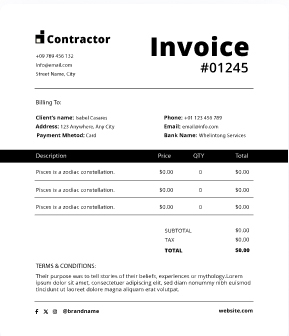
Frontu reduces the lag between job completion and administrative action, helping teams close jobs faster, update records sooner, and move work into billing without waiting on paperwork.

A simple flow between office and field

Step 1

A work order is created in the ERP or DMS.

Step 2

It appears instantly in the technician’s Frontu app.

Step 3

The technician completes the work in Frontu.

Step 4

Job data is sent back to the ERP and/or DMS.

Step 5

ERP and DMS trigger data updates, follow-up and invoicing.

Unsure about integrating? Start here.

  • Do I need to replace my current ERP or DMS to use Frontu?

    No. Frontu is designed to work with your existing system. Your ERP remains the central business system, and if you use a DMS or dealer-specific ERP module for service, parts, or warranty workflows, that stays in place too. Frontu handles the field workflows neither is built to manage directly.

  • How long does an integration take?

    For modern cloud systems, it can be very fast—often just a few weeks of setup and testing. For older server-based systems, it may take longer depending on how your IT partner manages the connection.

  • Will our data be safe while it’s moving between systems?

    Absolutely. We use encrypted tunnels to move data. You can find our full security audits at frontu.safebase.us.

  • What if our ERP/DMS is old or on-premise?

    Modern cloud systems are usually straightforward. Older or local systems may need more effort on our side, but we already have a practical model for handling them.

  • What happens if the internet goes out in the field?

    Frontu is offline-first. Your technicians can finish their work, and the system will wait until they have a connection again to sync that data back to your ERP/DMS. No data is lost.

  • Will our teams need to work in both systems?

    No. Technicians work in Frontu, while office teams continue working in the ERP/DMS. The integration moves the data automatically, so teams do not need to duplicate work across both systems.