End-to-end digital workflow
Connect every step from service order creation to job completion, reporting, and invoicing. Service data stays digital, structured, and visible throughout the workflow.


Sync service order creation, mobile job execution, parts usage, and invoicing in one live workflow. Keep BC as your master data source while Frontu handles the field.
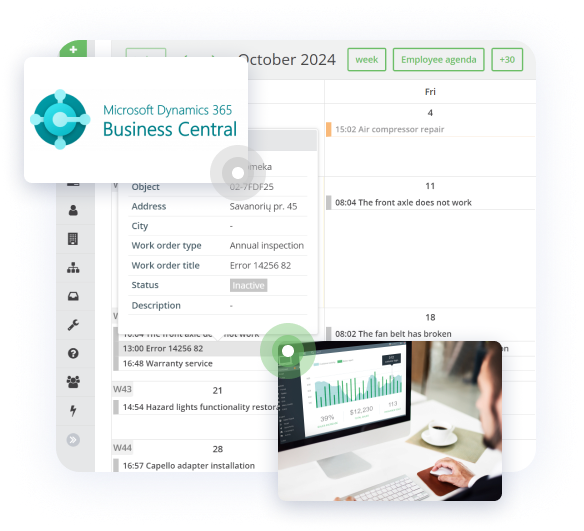
We have already helped heavy machinery dealers from 20 countries to complete more than 40 million tasks.









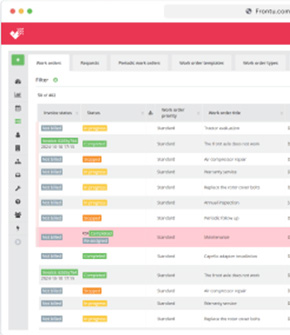
Connect every step from service order creation to job completion, reporting, and invoicing. Service data stays digital, structured, and visible throughout the workflow.
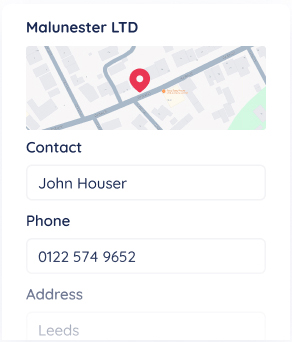
Customers, assets, work orders, parts used, and job outcomes stay synced across systems, reducing duplicate entry, conflicting records, and manual work between teams.

Frontu gives field teams a mobile-first workspace built for real service work, helping technicians complete jobs faster and with fewer interruptions, handoffs, and missing details.
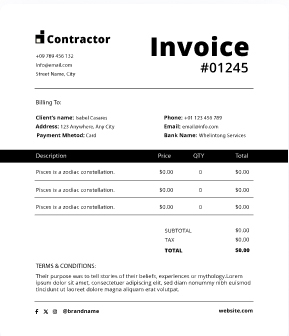
Job completion data moves back into Business Central faster, helping teams speed up invoicing, stock follow-up, warranty handling, and internal reporting.
Business Central keeps your master data, finance, and inventory under control. Frontu adds what happens between service order creation and completion: dispatch, mobile execution, status-based sync, and clean data flowing back for invoicing.
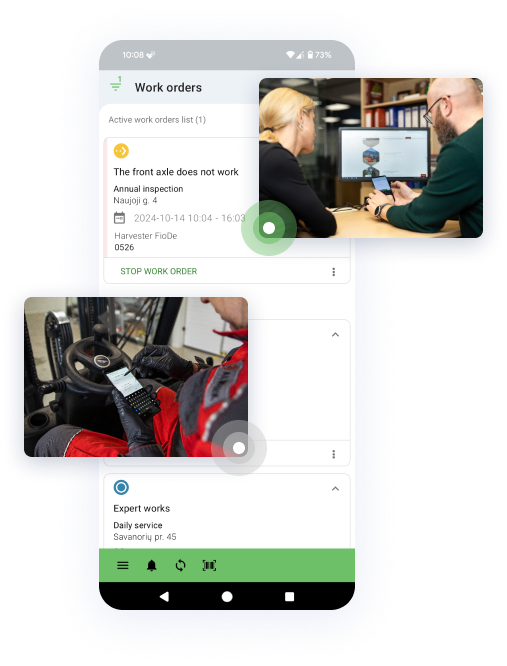
Business Central remains the master data source for customers, machines, spare parts, and services, while Frontu gives technicians a mobile workspace built for real field execution.
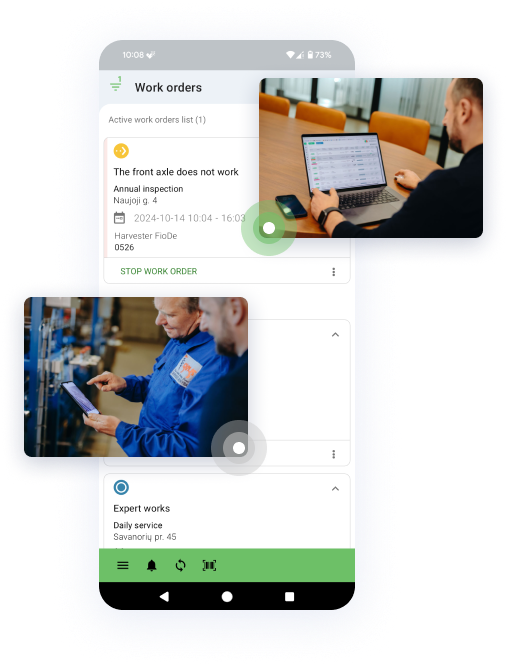
Frontu combines real-time webhooks for urgent updates with status-based synchronization for larger data exchanges. That means faster reactions without pushing incomplete data through the process.
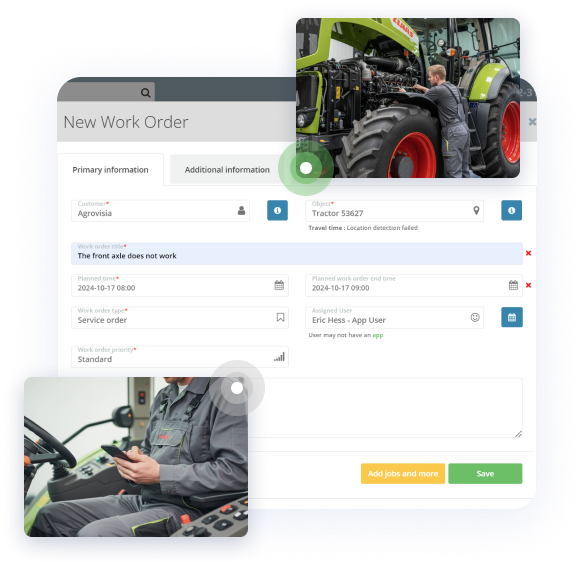
Service orders sync both ways between Business Central and Frontu. Orders can be created in BC, executed in Frontu, and returned with parts used, hours worked, and completion status for immediate follow-through.
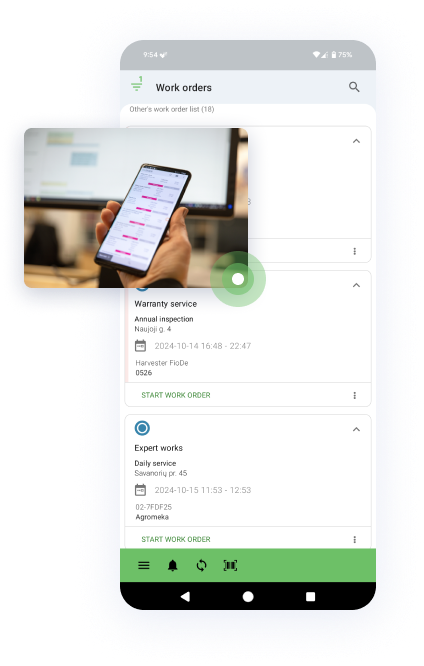
Once a technician completes the job in Frontu, job lines, labor, parts, and status flow back into Business Central for accurate invoicing, stock handling, and cleaner reporting.


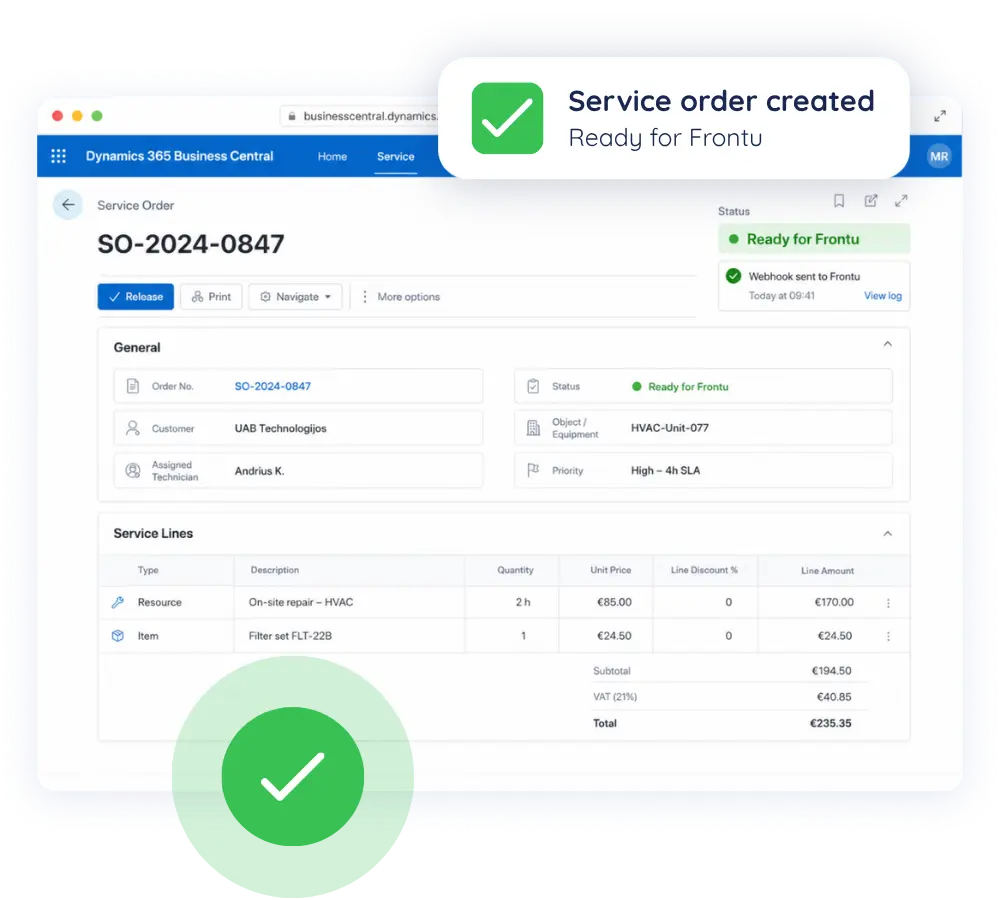
Service coordinators fill in the service order in Business Central, allocate spare parts if needed, and set the status to plan it – this is synced to Frontu.
Technician allocation can be done using Frontu Planner.
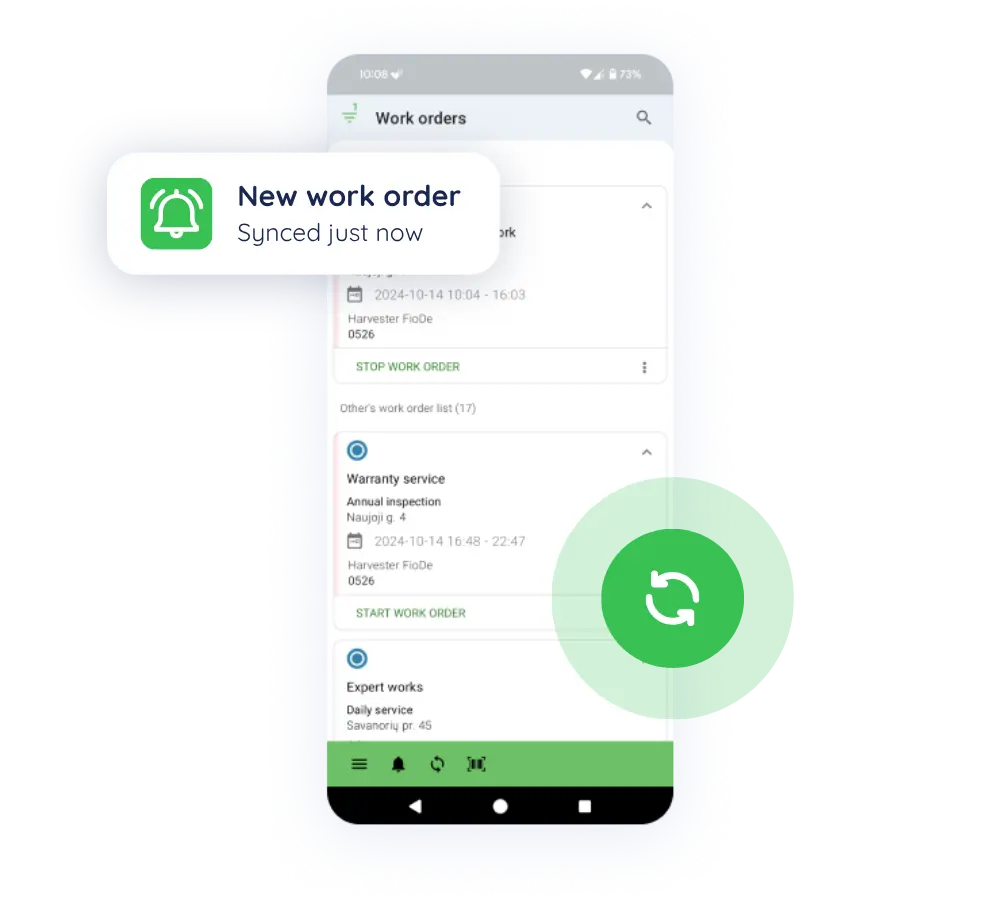
The moment the foreman allocates the right technician for the work, it appears in the technician’s Frontu app – full details synced, ready to start, with no manual entry needed.
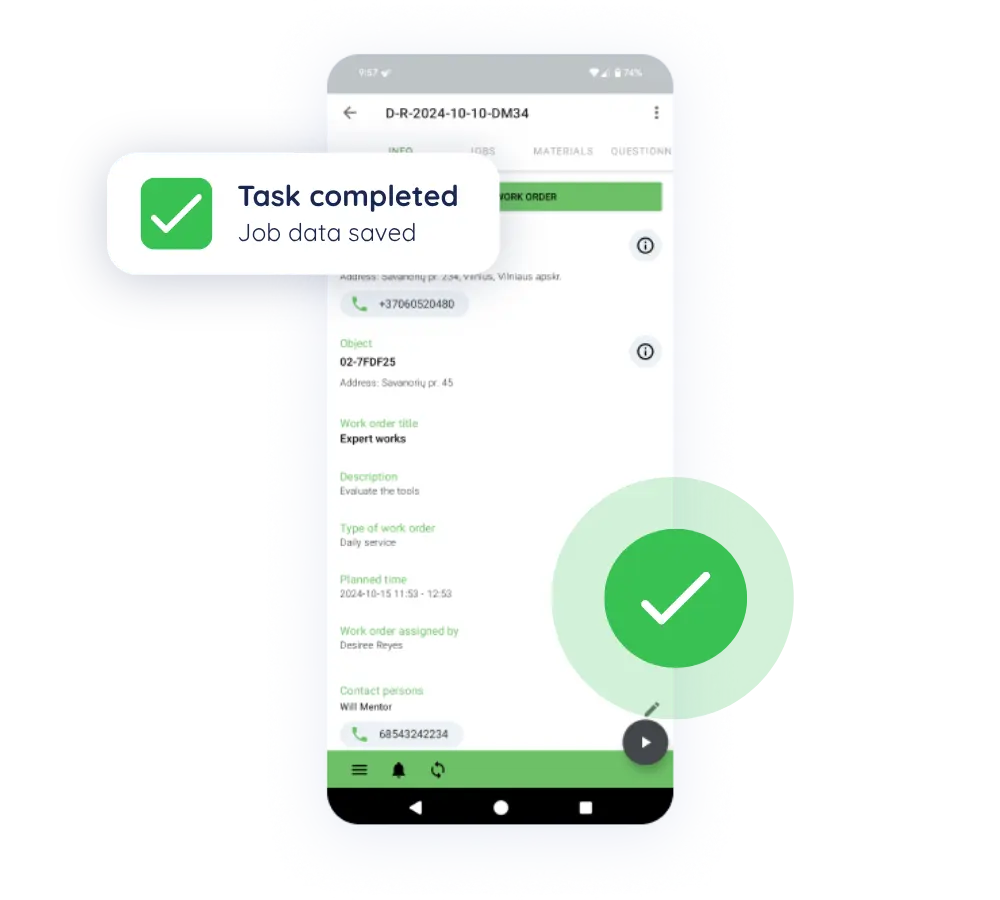
The technician logs all work directly in Frontu on-site, even when offline: required repair fields, used time, fitted spare parts, photos, and the client’s digital signature. The data is synced to the back office for foreman approval.
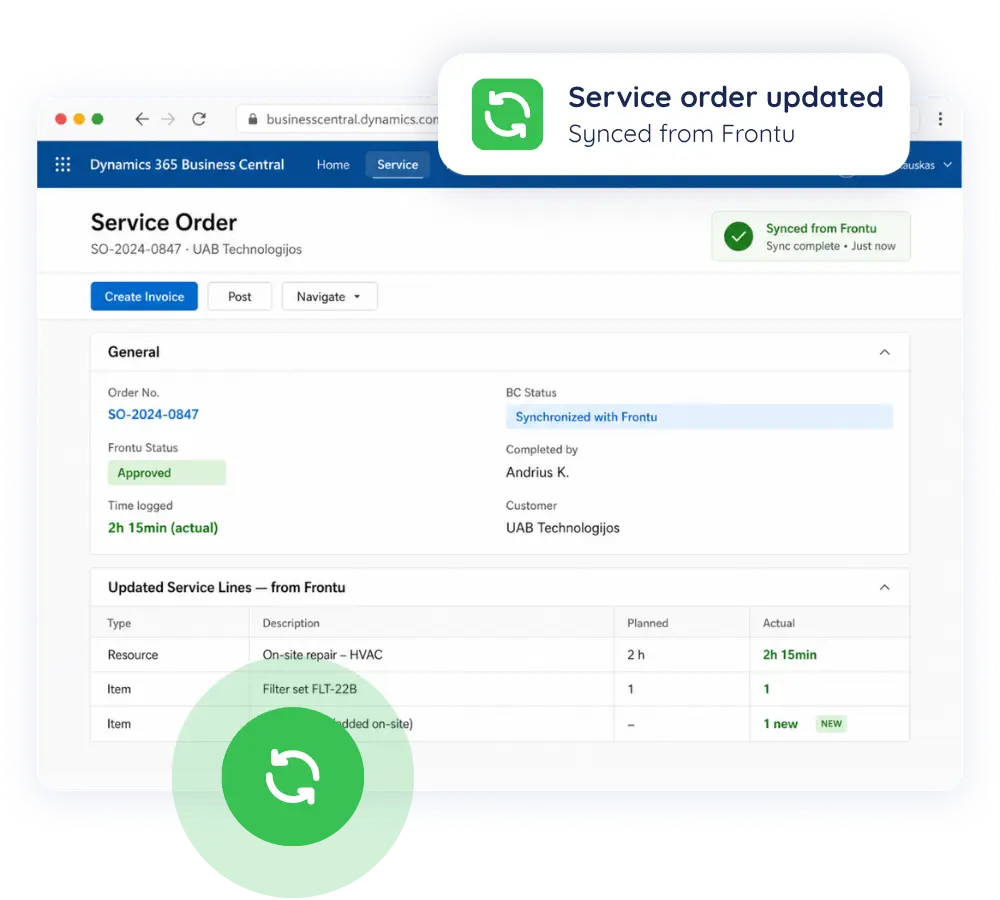
When the foreman sets the service order as approved in Frontu, all spare parts, labour, and travel information sync back to the original Business Central service order automatically.
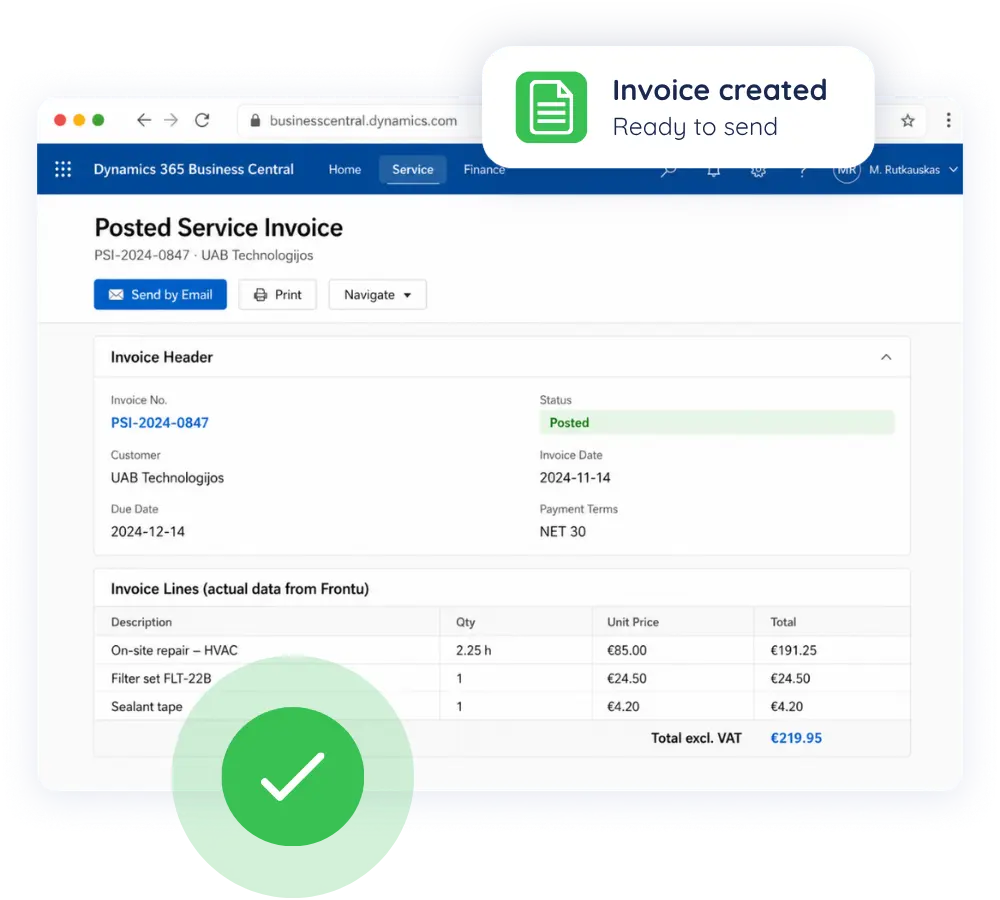
No manual reconciliation is left. No cash flow problems or forgotten invoices. Service order lines are updated instantly and ready for invoicing on the same day the work is approved.
Do I need to replace Microsoft Business Central to use Frontu?
No. Frontu is designed to work alongside Business Central. BC remains your master system for customers, machines, parts, services, and back-office operations, while Frontu handles the field workflows and technician execution layer.
How does the Frontu and Business Central integration work?
Business Central acts as the master data source, while service orders sync bi-directionally between both systems. Orders can be created in BC, executed in Frontu, and returned with status changes, parts used, and hours worked for invoicing and follow-up.
Is the integration real-time?
Yes, where it needs to be. Frontu uses a mix of real-time webhooks for critical updates and status-based synchronization for larger data exchanges, helping keep the process fast without pushing incomplete data between systems.
Will our data be safe while it's moving between systems?
Absolutely. We use encrypted tunnels to move data. You can find our full security audits at frontu.safebase.us.
What happens if the internet goes out in the field?
Frontu is offline-first. Technicians can continue working in the app, and the data syncs back to Business Central once the connection is restored.
Will our teams need to work in both systems?
No. Technicians work in Frontu, while office teams continue working in Business Central. The integration moves the data automatically, so there is no need to duplicate work across both systems.
Join 10,000+ FSM leaders. Subscribe to our monthly expert-led newsletter. We find and report on case studies, success stories and playbooks that are working out there right now.