

NULL Solar Field Service Software | Frontu

Boost solar service
efficiency by 30% using Frontu

From real-time visibility of inventory and frontline workers to installing, managing, and maintaining solar panels, Frontu is the ideal solution to improve business processes and field service operations.

Improve your team’s workflow and efficiency with Frontu

Get in Sync with Your Service Team

Automate workforce scheduling, manage inventory, track technician performance and centralise all operations in one platform.

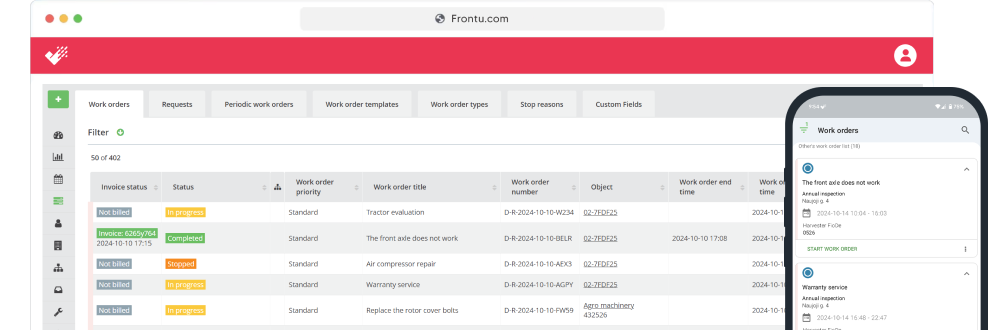
Update Progress on Tasks in Real-Time

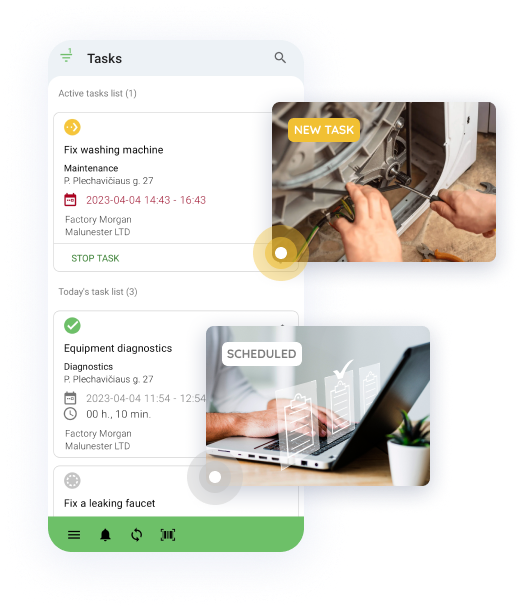
With Frontu, all manual processes are eliminated and workers can simply inform management about progress, obstacles, or needs with the click of a few buttons.

Improve your first-time fix rate

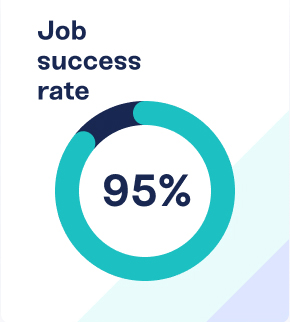
The first-time fix rate indicates the percentage of time it takes for a technician to fix a customer’s problem at the first go without any additional help, preparation, or parts.

Access Job History & Details Anywhere

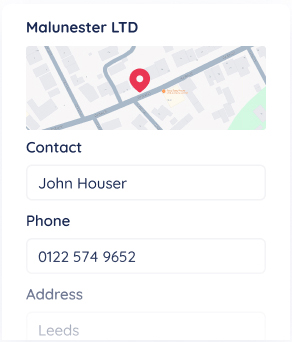
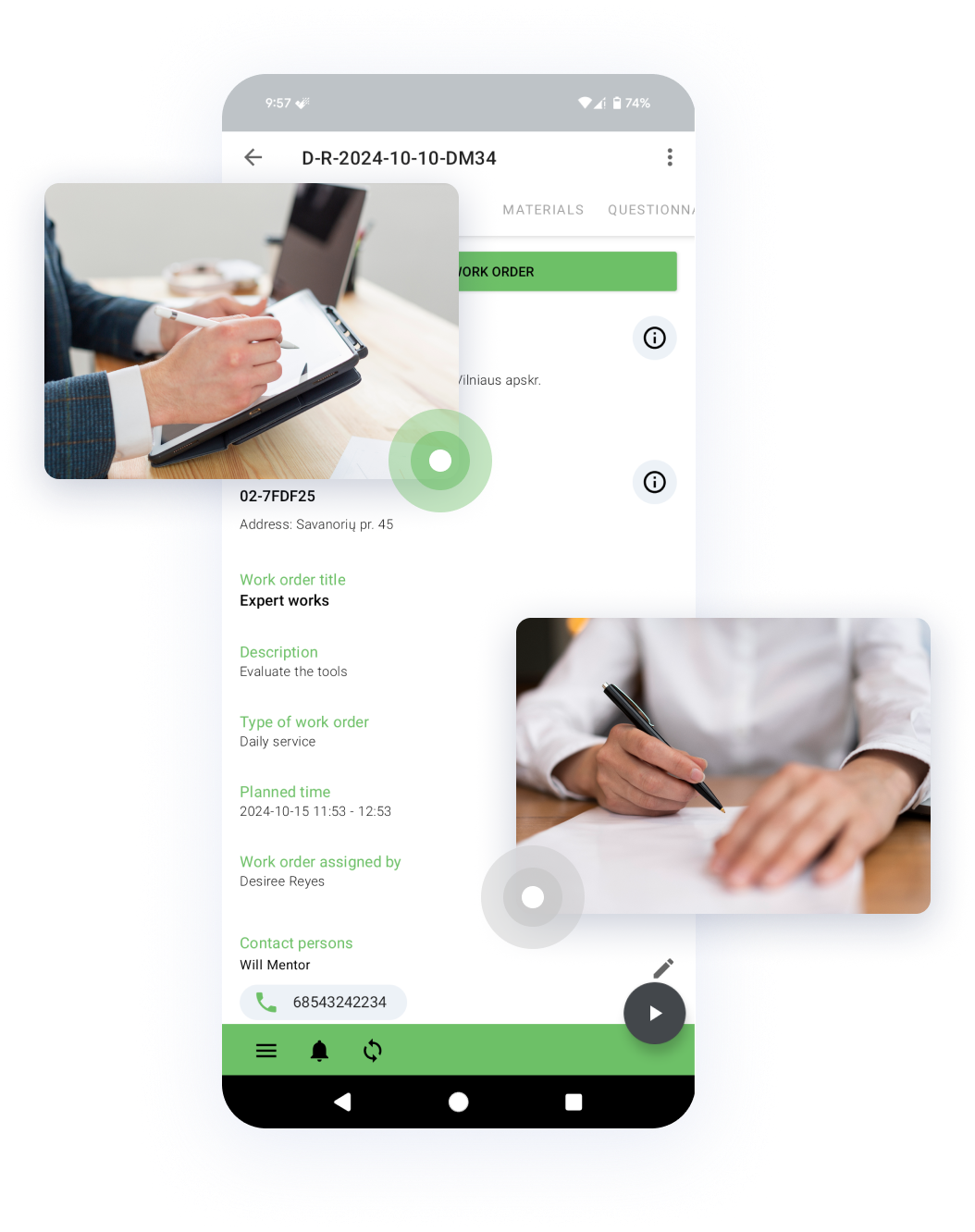
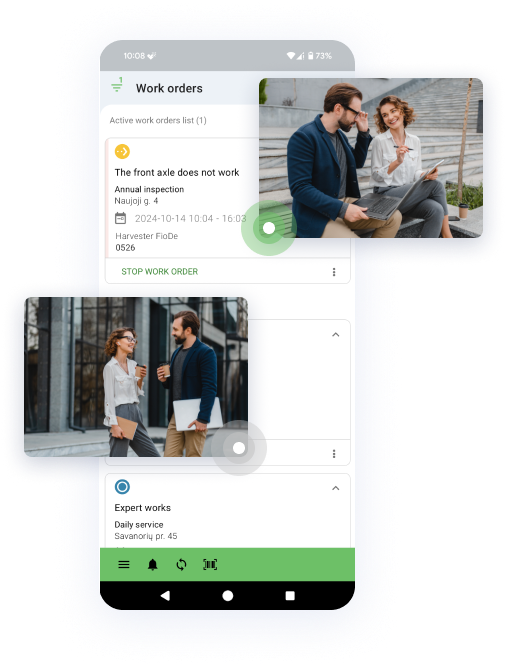
All vital information in one place. Find customer job history, materials, equipment details and task requirements directly in Frontu app on mobile devices.

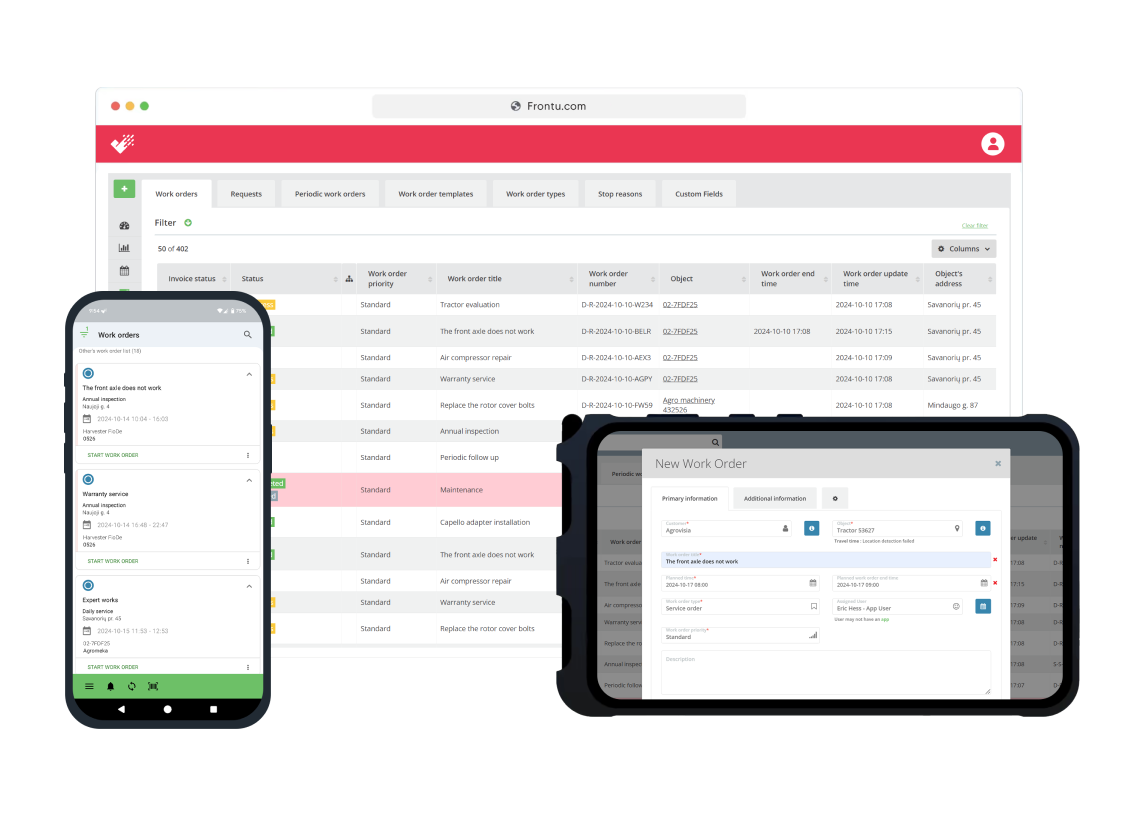
Technician-first Frontu mobile app

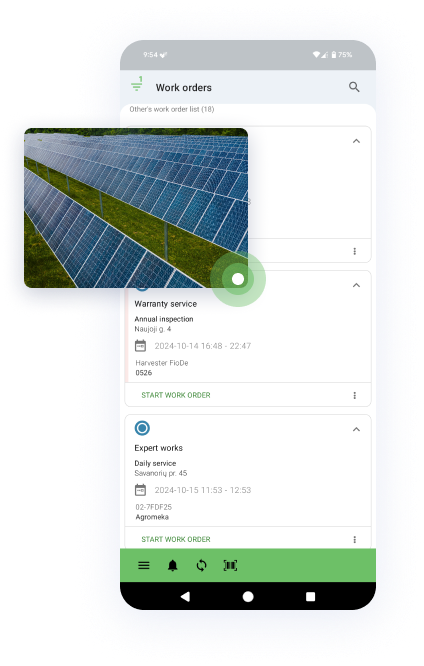
Mobile app streamlines solar service management by providing real-time data access, offline syncing, and automatic schedule updates. It enables technicians to view work order histories and documents, while instantly sending reports.

Calculate how much you could save

Discover how much time and money your business can save by switching to Frontu’s field service management software with ROI Calculator. Input your data and instantly see the potential return on investment.

Why use our ROI Calculator:

  • How much your business could save in total
  • Estimates of eliminating the need for paperwork
  • See how much time your team can save every week, month, and year

93%

increased job satisfaction

40%

reduction in operational costs

32%

increase in mobile worker productivity

30%

faster response times

From pen & paper to software

Paper-based processes are slow, inefficient, and error-prone. The renewable energy industry is innately steeped in tech and tracking operations and workflow on a piece of paper is out of place. Using solar project management software will allow operations managers to track assets, access data, communicate with the team, and make informed decisions from the comfort of a mobile app.

Boost your solar service efficiency

Efficiency is the ability to send the right technician to the right location with the right tools and complete projects on time. By doing that, you are decreasing costs and installation time. Frontu might not be solar software but it can be a game-changer for your company’s efficiency. It can help with the automation of your operations, preventive maintenance of solar power equipment, and the scheduling of tasks.

Business data for better decisions

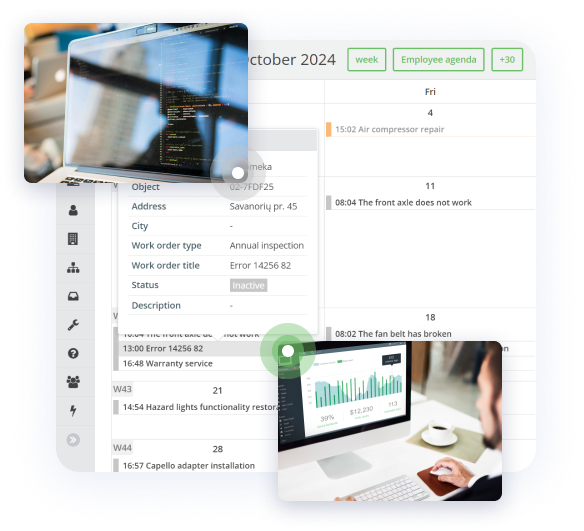
Frontu can give you a single, consolidated view of the lifecycle of your entire operation. The best part? You get access to simple, user-friendly dashboards that visualize data findings. Knowing what your clients demand, will help you adjust your solar service delivery and give them more relevant and timely solutions.

Sell more maintenance contracts

One of the biggest revenue streams for solar power companies is the maintenance of equipment following the initial installations. Frontu gives you all the data and information you need to automate the preventive maintenance process and offer your customers the solution and services they need.

Solar Software FAQ

  • What is solar software?

    There are different kinds of solar software like customer relationship management software, system design software, financial risk management software, and more. Frontu has elements from most of these systems, essentially being an all-in-one platform for operational efficiency.

  • How big is the solar industry?

    The market size, measured by revenue, of the Solar Power industry, was $10.8bn in 2021. It’s is projected to reach $223.3 billion by 2026.

  • What are the challenges faced by an operations manager in the solar industry?

    Some of the most common challenges faced by operations managers are routine inspection and servicing of all plant equipment, restoring operation of broken equipment, handling a budget, documenting the records of each activity at the site, maintaining a healthy work environment, and more.

  • How can customers follow tasks, history and send task requests?

    Your customers can easily, with very few simple steps, send you a task request. But make sure your customers have access to the Customer platform, which can be used as an app or web. Customers can follow a live task status, history, and change information about a specific location (object) or contact person on the platform.

  • Can I add additional columns or fields to a task?

    Yes, we offer a Custom Field feature that is available for Pro plan users. It allows adding custom fields to each task. You can find more information here.

  • How can I solve an issue when a customer is not on the site, but we need a signature to finish a task?

    We recommend you try our remote signature feature, which enables your customers to sign tasks wherever they are. For this, customers can use the QR/NFC tag functionality, scan the code when they are available and sign the task using a digital signature. You can request a customer signature via email or Customer Platform.

  • Can technicians work with no internet connection?

    Yes, as you can’t predict the course of many field service tasks, we optimized our solution to be used online and offline. Most of our customers work in places where there is no internet connection, or it is limited. You can use the app in offline mode, and when the connection is restored, the system will automatically add updates. Read more.

  • What devices should I use?

    Frontu supports mobile phones and tablets with the Android operating system. You can download and install our app on your frontline workers’ devices and use the backend coding for the management team. Here we give more in-depth information about device specifics.

  • Do you provide onboarding to use the Frontu solution?

    We provide team training and onboarding to ease your journey to digital field service management. In addition, on our app and web, you can find an online live chat to ask questions, our library, and know-how resources.

  • What languages does Frontu support?

    For now, we support English, Ukrainian, Estonian, Latvian, Lithuanian, Finish, Russian, Spanish. But we never stop improving and keep updating our language list.

  • How can I get a demo?

    You can request a meeting with our representative to do a quick tour of system functionalities to learn how to use them. If a trial account is needed, our representative will help to set it up for you. You can request a demo meeting here.

  • Can we integrate Frontu with our existing in-house systems?

    We have experience with different integrations, and for that, we provide API documentation. In many cases, it’s enough for customers to do integration without our help.

  • Do you have business intelligence analytics?

    We have a general dashboard to get an overall picture of what is going on with your business. However, bigger companies use our Microsoft Power BI add-on to create reports and dashboards they need.

  • How much does Frontu cost?

    The cost varies depending on Your needs. You can always navigate to the Pricing page found at the top of our website to find a detailed breakdown of our fees.

  • Is it possible to integrate with CRM or ERP software?

    Yes, the integration is possible with external CRM or ERP.

  • Is there any support after I buy a Frontu plan?

    Yes, our live customer support is available between 9:00 – 17:00 (EET).

    Also, you can always use our Help Center. Support from the app is available if you go to Menu > “Chat with a person”

  • What device specs do you recommend for optimal use?

    Minimal system requirements are:

    • Android 5.0 or up
    • At least 2.0Ghz CPU
    • At least 2GB RAM
    • At least 8GB of storage
    • At least 5-inch screen diameter
    • A camera is also needed if you want to use QR code scanning features.